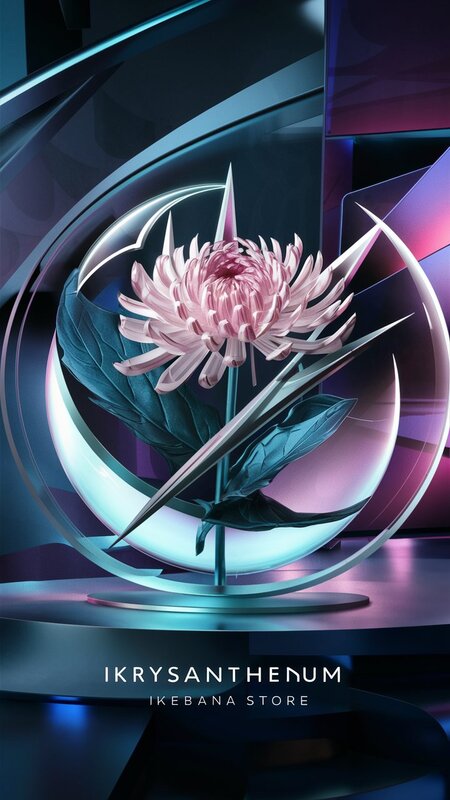
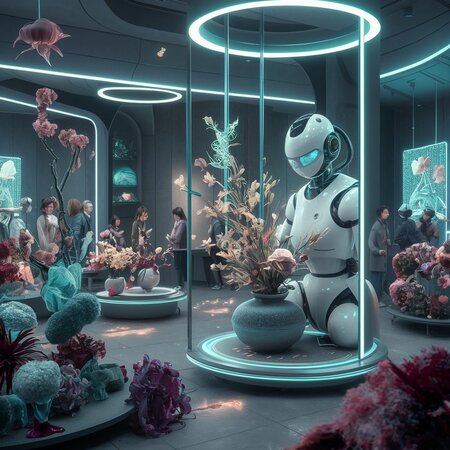
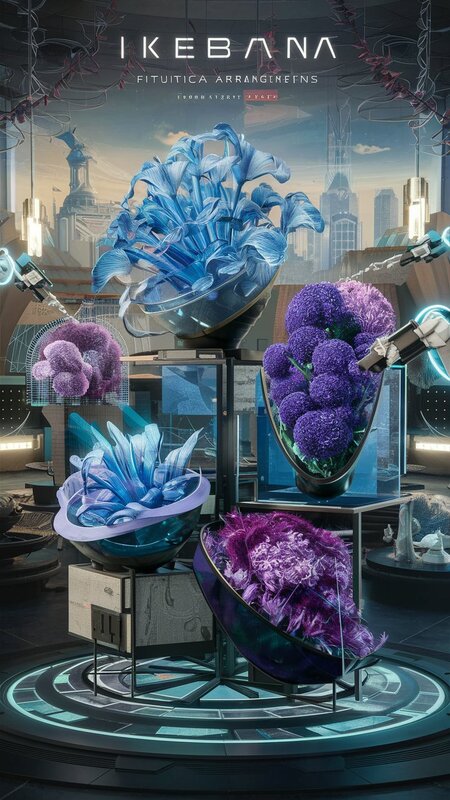
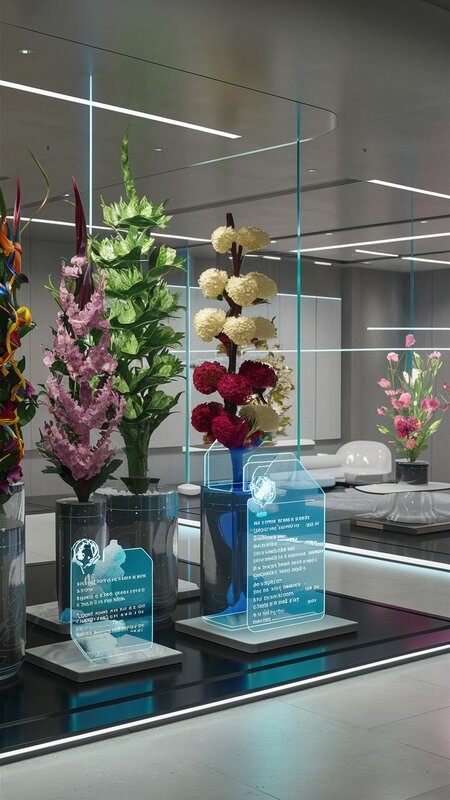
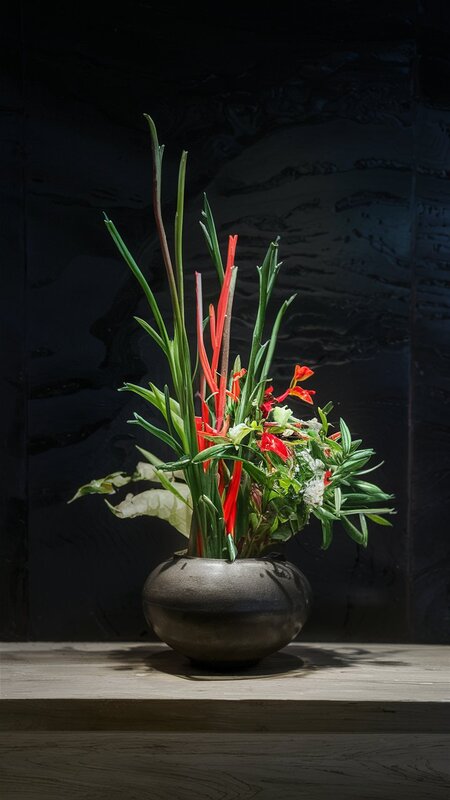
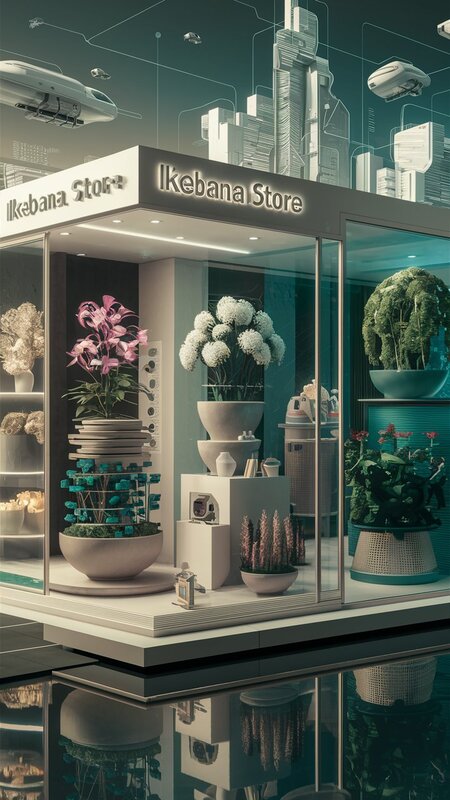
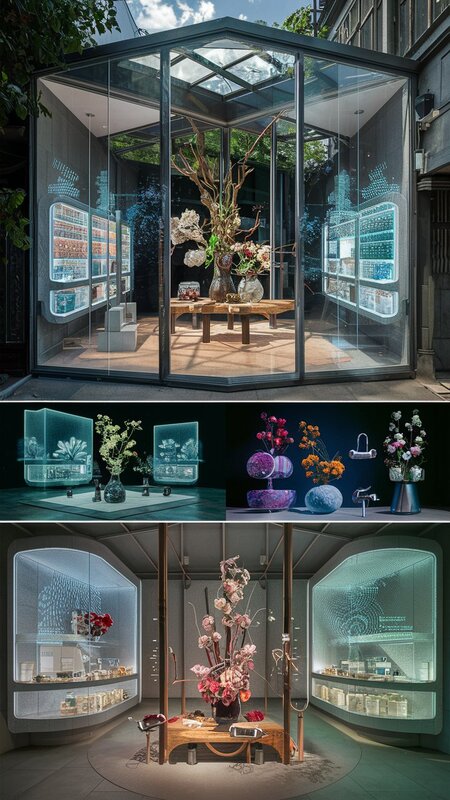
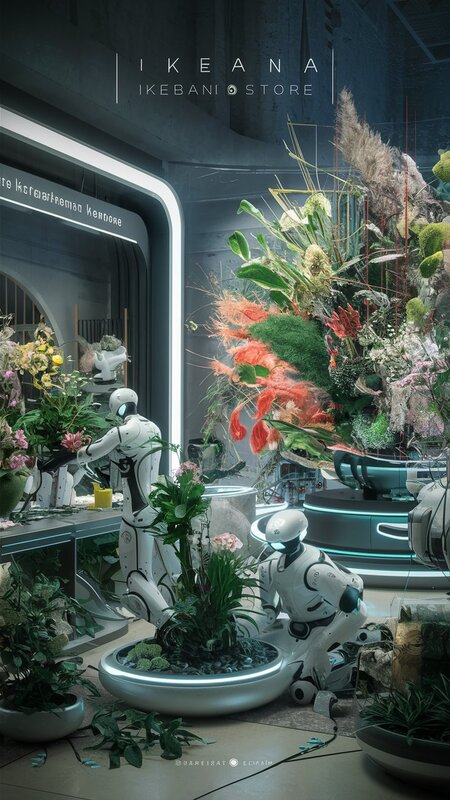
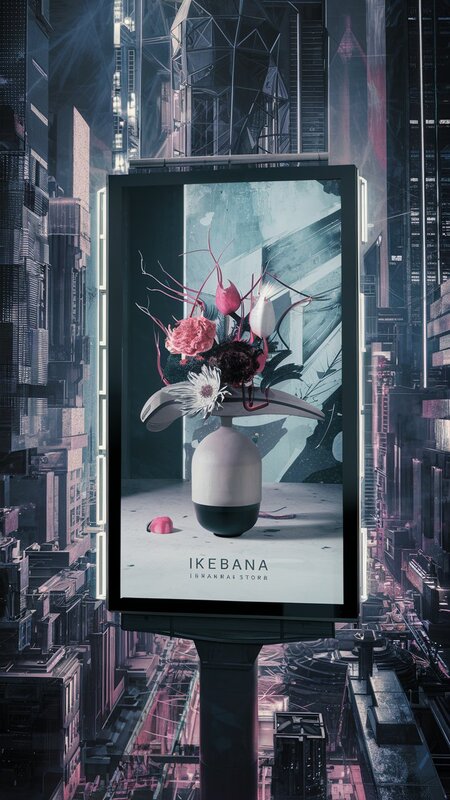
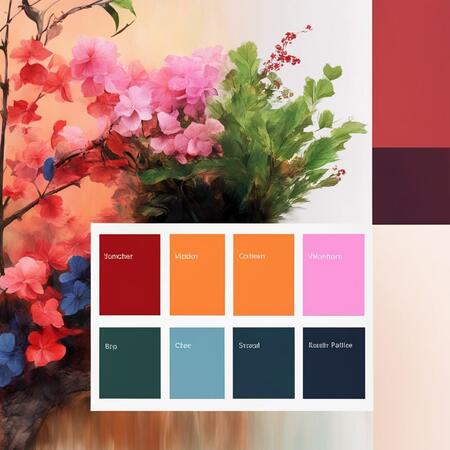
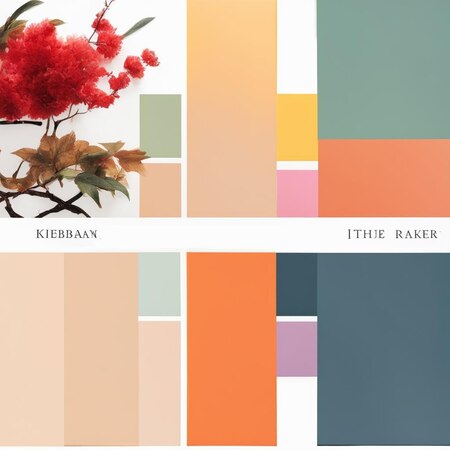
Магазин будущего, где искусство икебаны сочетается с современными технологиями. Это место, где вы можете не только купить цветы и растения, но и получить профессиональную консультацию по уходу за ними.
В магазине будущего IKEBANA каждый цветок будет представлен в своей уникальной вазе, которая идеально подходит к его форме и цвету. Кроме того, все вазы будут оснащены сенсорами, которые будут отслеживать состояние воды и уровень влажности почвы. Если вода закончится или почва станет слишком сухой, система автоматически отправит уведомление на ваш телефон или часы.
Магазин также будет иметь зону отдыха, где вы сможете насладиться чашечкой кофе или чая, пока наши специалисты создают для вас уникальный букет или композицию из живых цветов. Вы также сможете заказать доставку цветов прямо из магазина через приложение на вашем телефоне.
Мария Шубина создала концепцию магазина будущего, сочетающего икебану с технологиями . В проекте использованы вазы с сенсорами для отслеживания уровня воды и влажности почвы .
Автор создал игру «Just Punch It», в которой боксёры соревнуются на вращающемся поле с кругами и фишками. Проект включает в себя описание игрового поля, правила и визуальные элементы, созданные с помощью искусственного интеллекта.
Анастасия Слободскова создала 3D-визуализацию общественного пространства "FIFIFIT" с использованием программ 3D MAX и нейросетей. Проект включает в себя генерацию логотипа и фирменного стиля с помощью нейросетей и последующую обработку изображений в Adobe Photoshop.
Ксения Иванова создала проект, в котором применила генеративные нейросети для разработки фирменного стиля бренда стеклянного декора, напечатанного на 3д принтере. Проект включает в себя генерацию фотографий, слоганов и элементов фирменного стиля с использованием инструментов вроде GigaChat, Adobe Color и What the font finder.
We use cookies to improve the operation of the HSE website and to enhance its usability. More detailed information on the use of cookies can be fou...
Show more
Press space bar to start a drag.
When dragging you can use the arrow keys to move the item around and escape to cancel.
Some screen readers may require you to be in focus mode or to use your pass through key
Press space bar to start a drag.
When dragging you can use the arrow keys to move the item around and escape to cancel.
Some screen readers may require you to be in focus mode or to use your pass through key
Press space bar to start a drag.
When dragging you can use the arrow keys to move the item around and escape to cancel.
Some screen readers may require you to be in focus mode or to use your pass through key
Press space bar to start a drag.
When dragging you can use the arrow keys to move the item around and escape to cancel.
Some screen readers may require you to be in focus mode or to use your pass through key
Press space bar to start a drag.
When dragging you can use the arrow keys to move the item around and escape to cancel.
Some screen readers may require you to be in focus mode or to use your pass through key
Press space bar to start a drag.
When dragging you can use the arrow keys to move the item around and escape to cancel.
Some screen readers may require you to be in focus mode or to use your pass through key
Press space bar to start a drag.
When dragging you can use the arrow keys to move the item around and escape to cancel.
Some screen readers may require you to be in focus mode or to use your pass through key
Press space bar to start a drag.
When dragging you can use the arrow keys to move the item around and escape to cancel.
Some screen readers may require you to be in focus mode or to use your pass through key
Press space bar to start a drag.
When dragging you can use the arrow keys to move the item around and escape to cancel.
Some screen readers may require you to be in focus mode or to use your pass through key