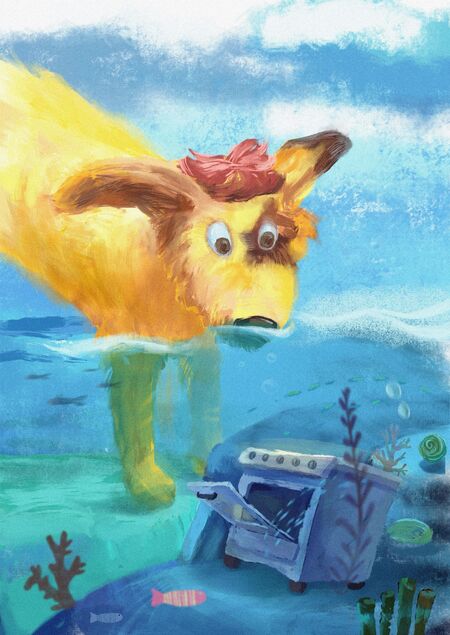
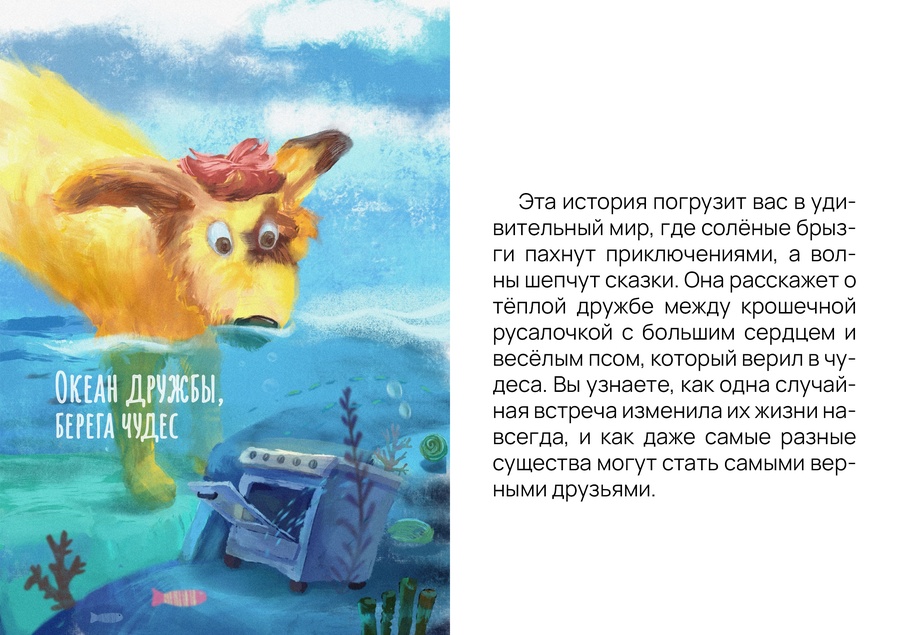
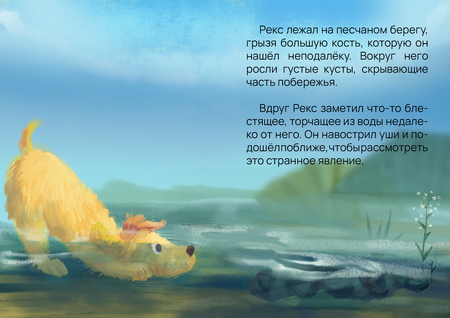
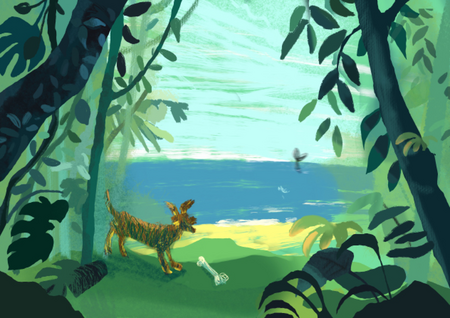
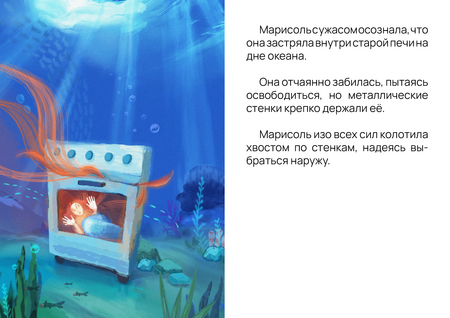
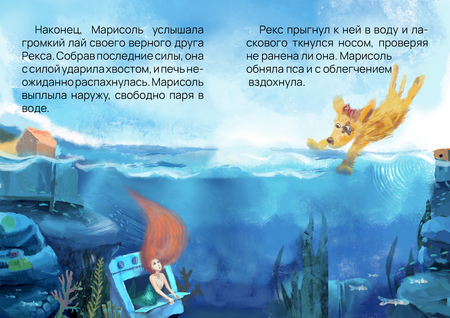
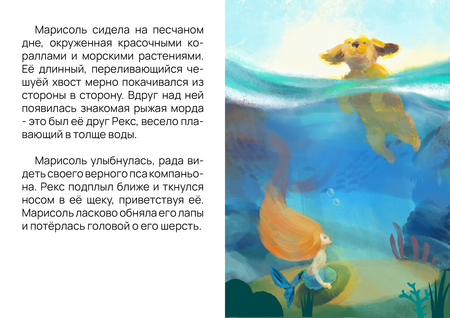
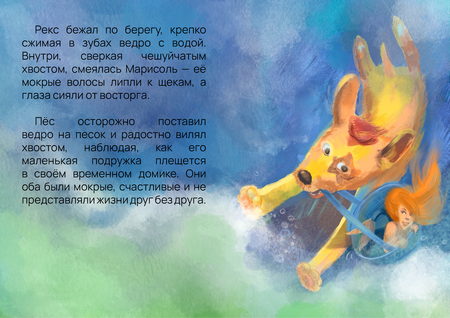
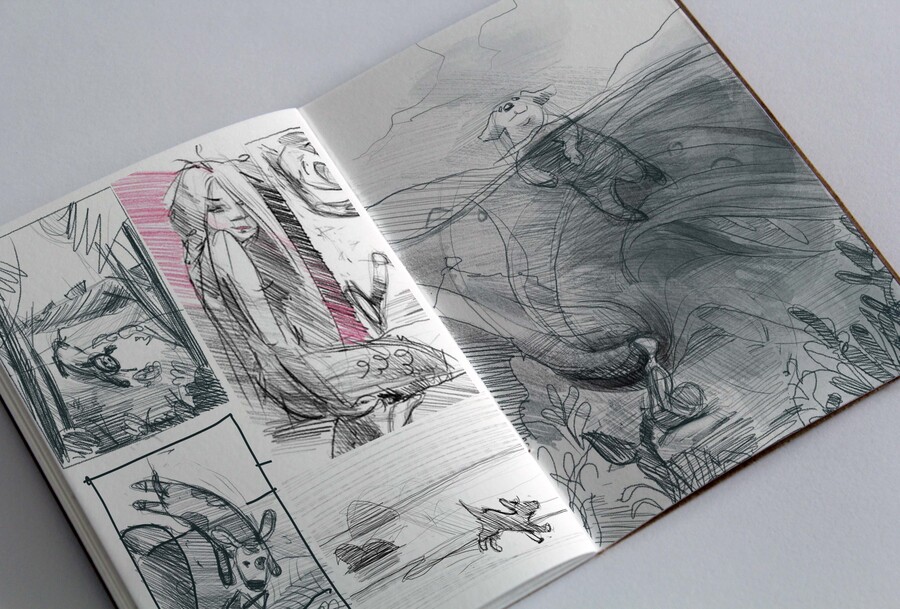
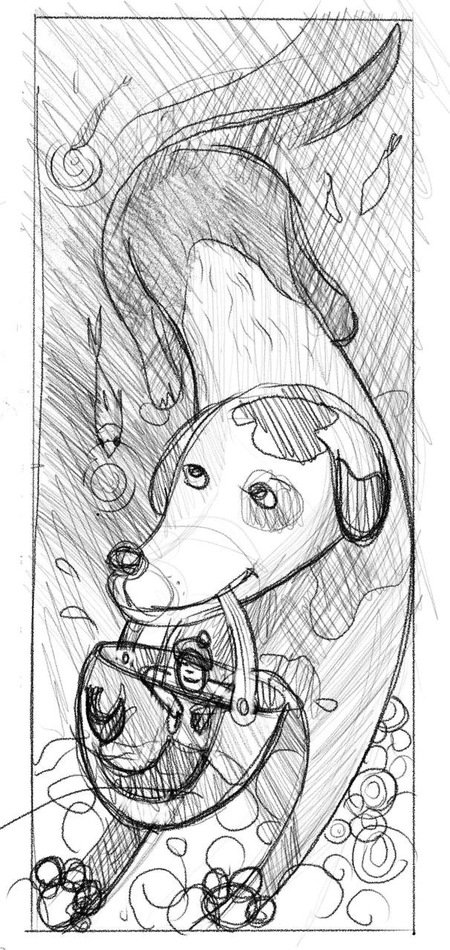
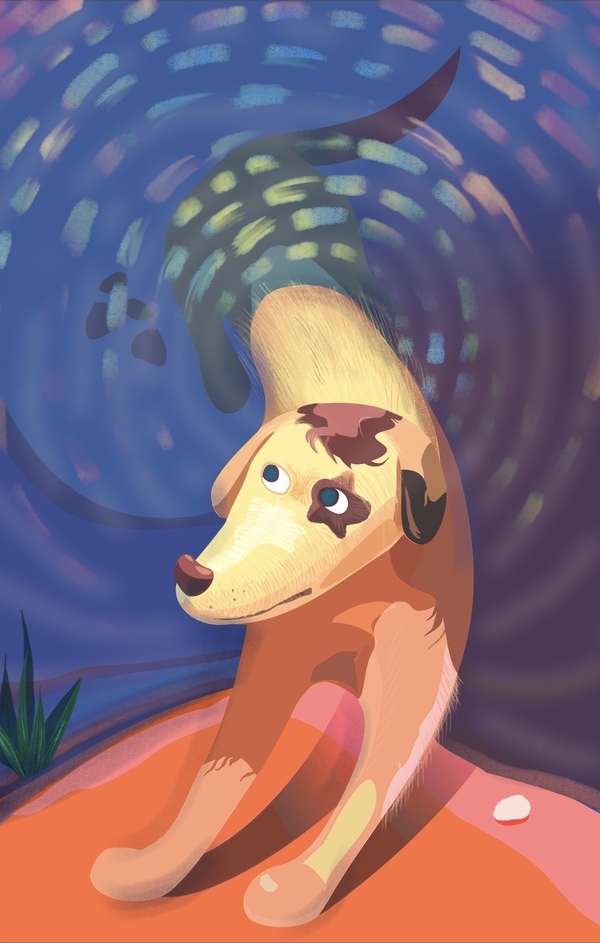
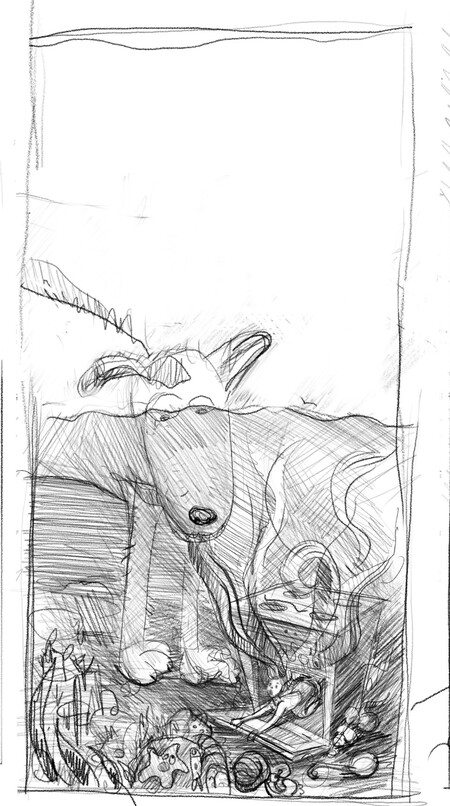
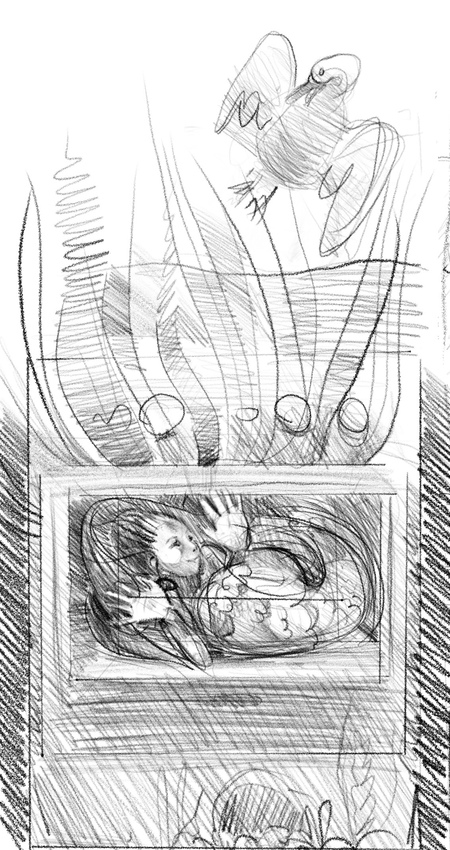
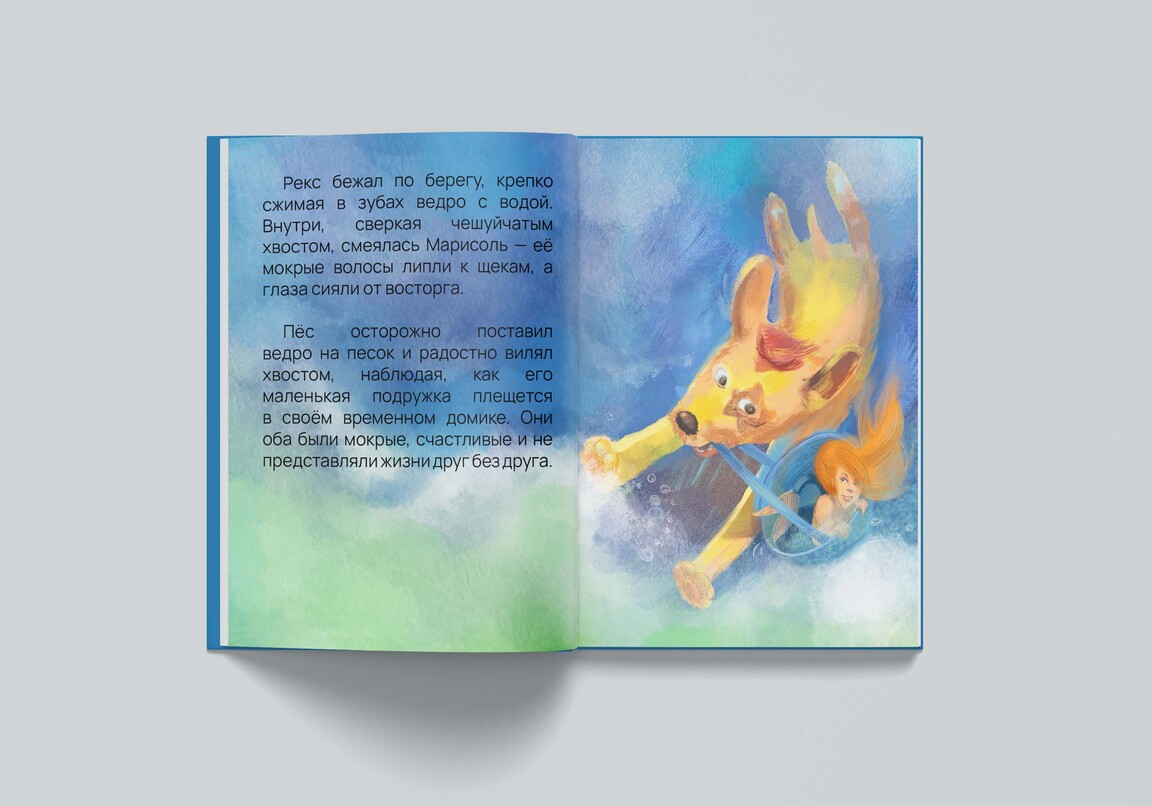
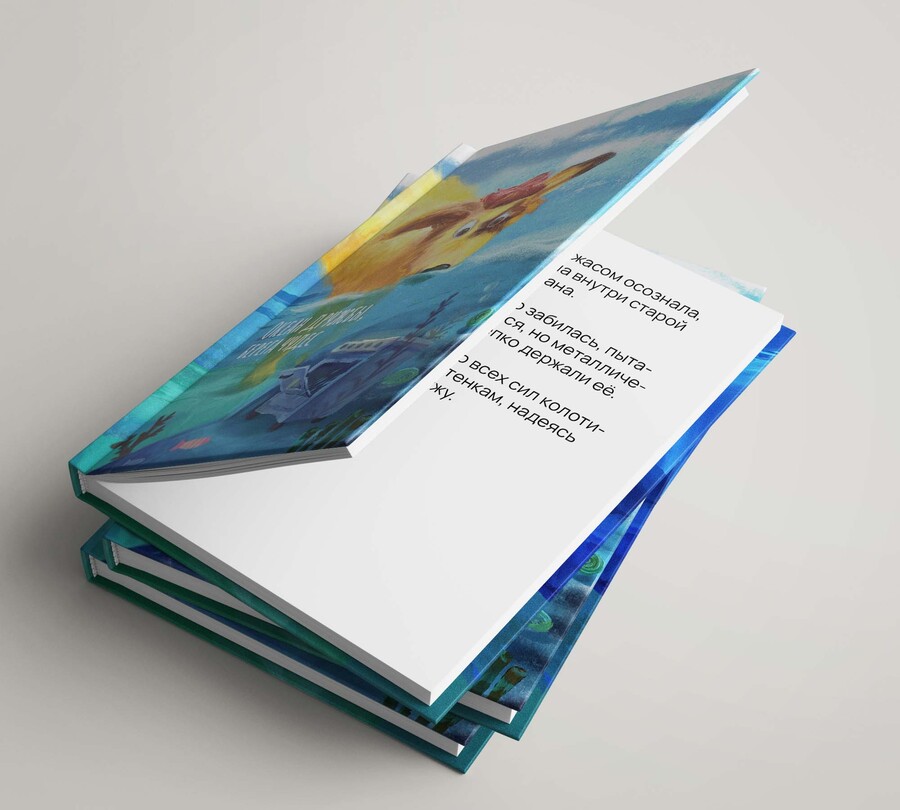
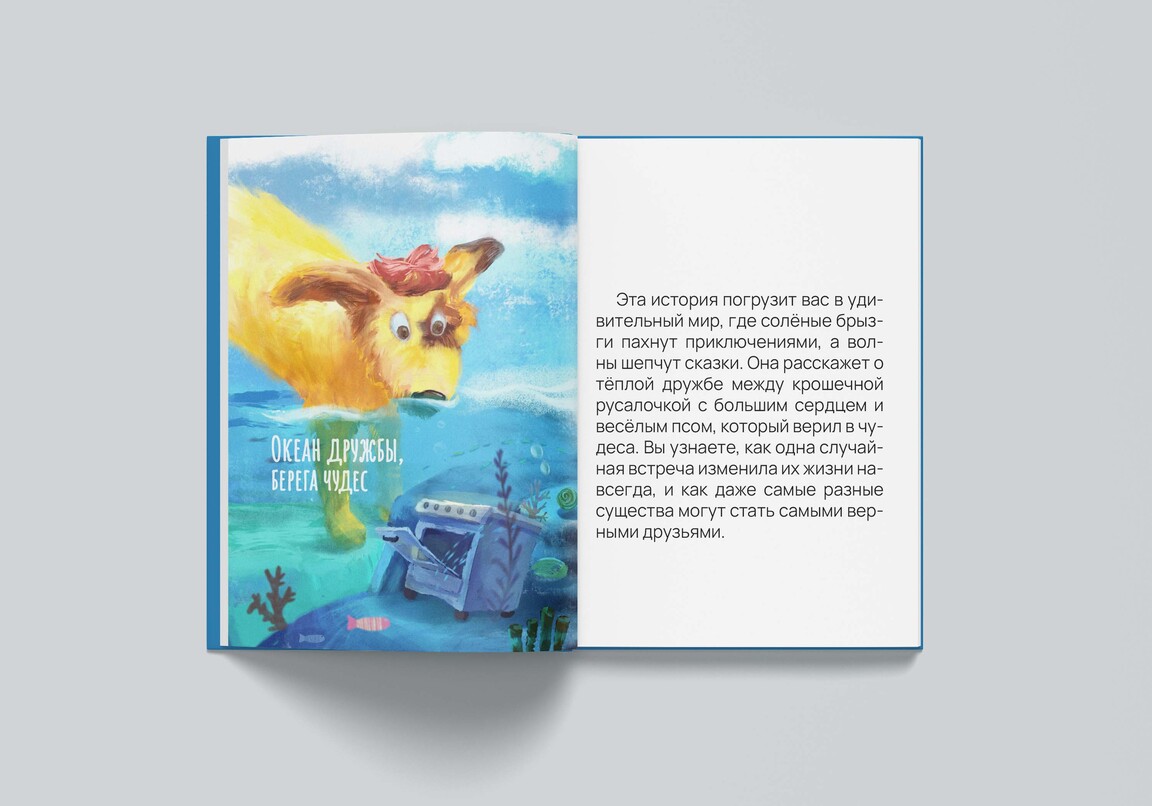
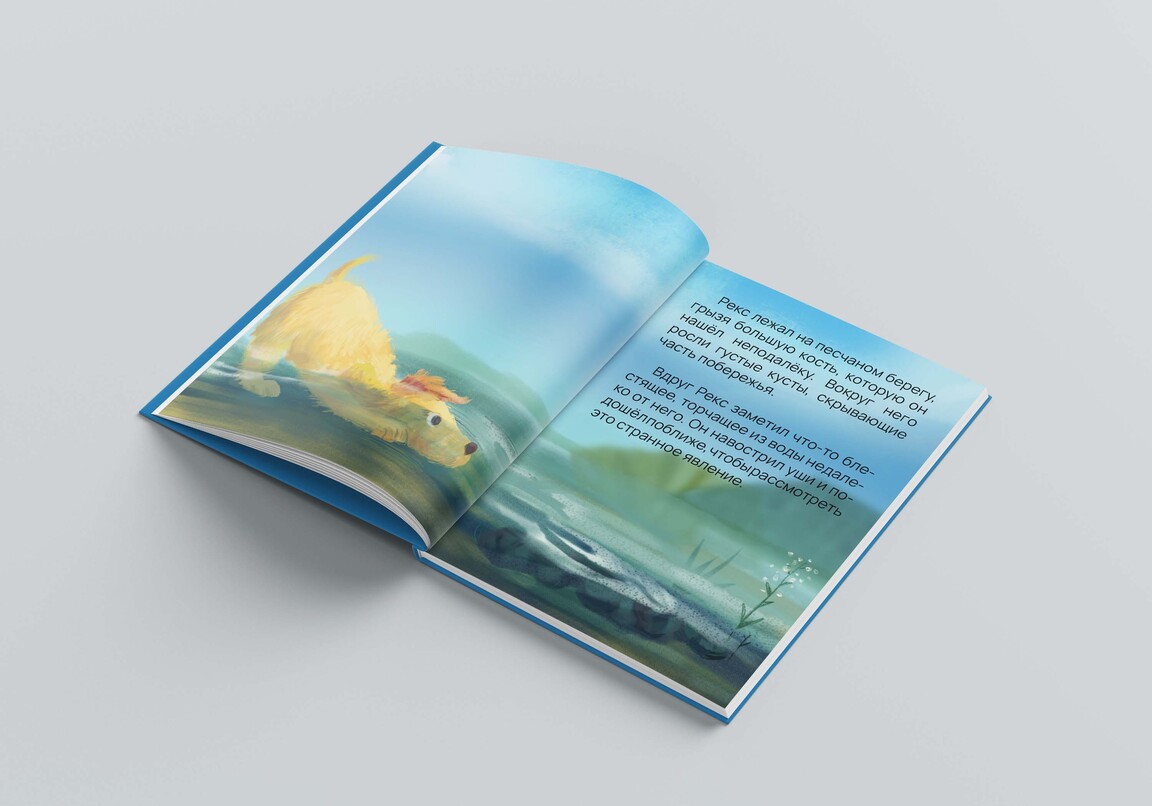
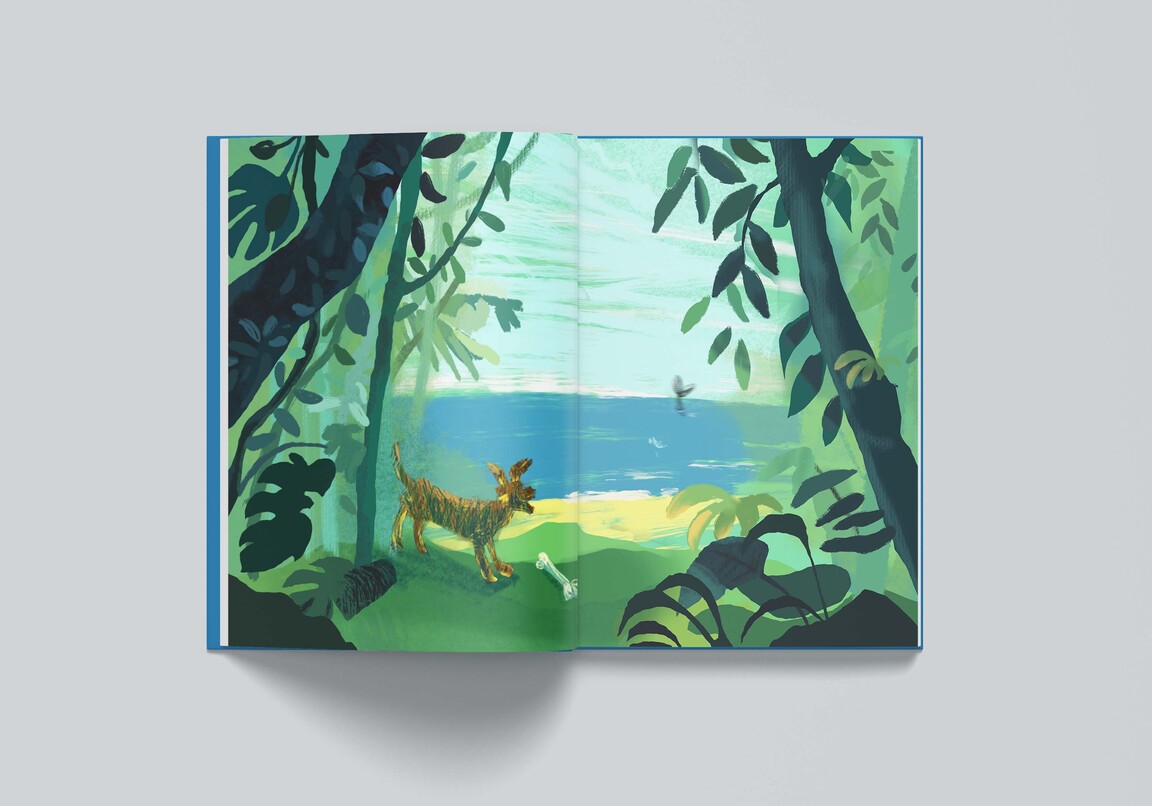
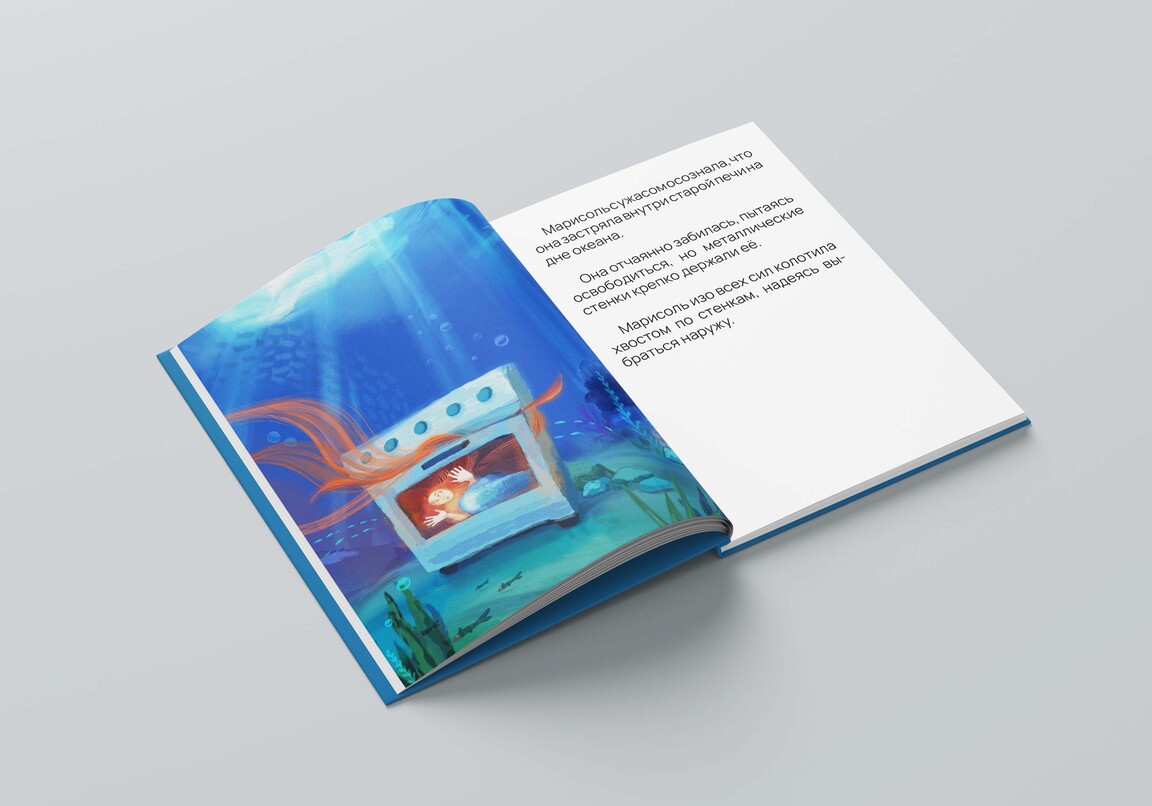
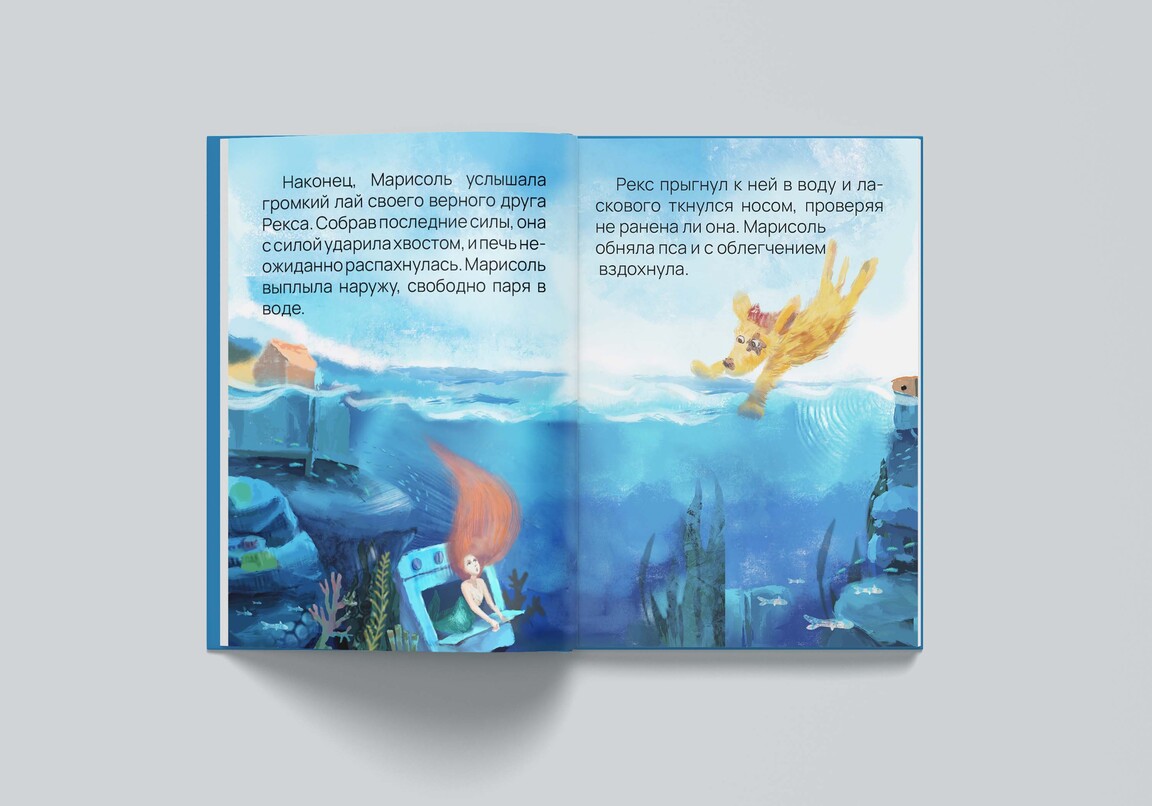
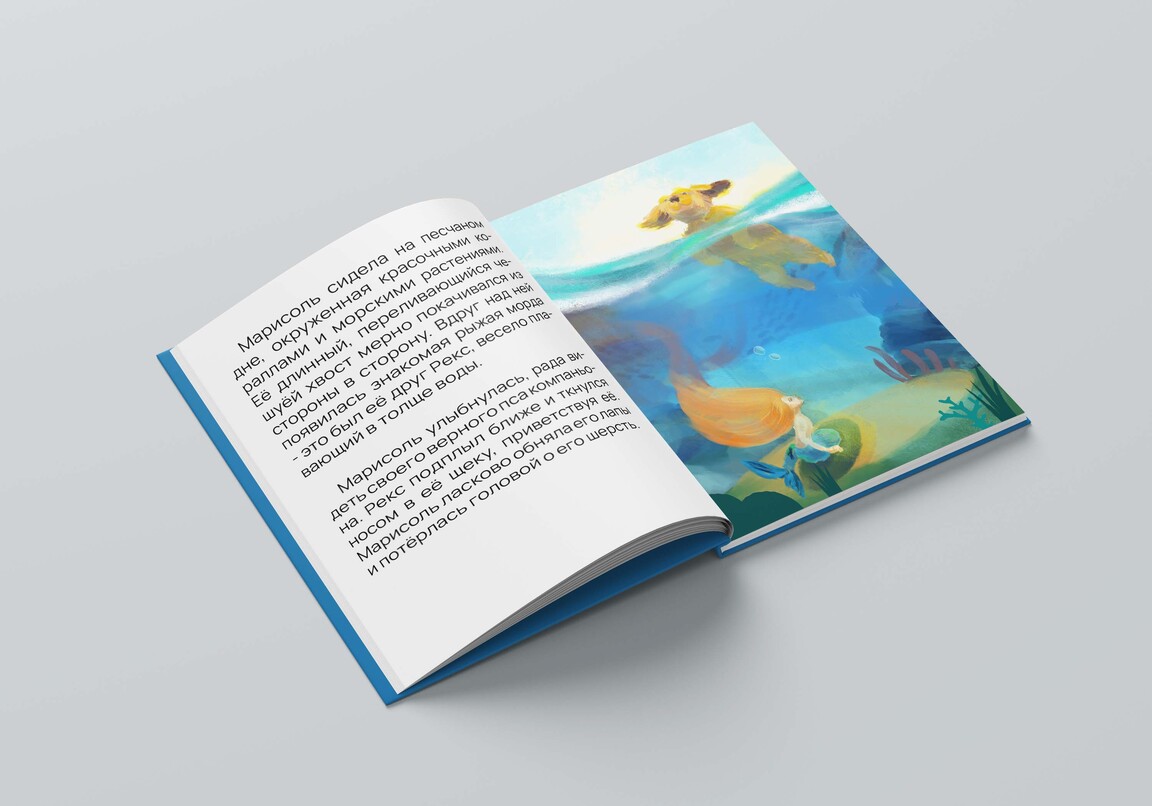
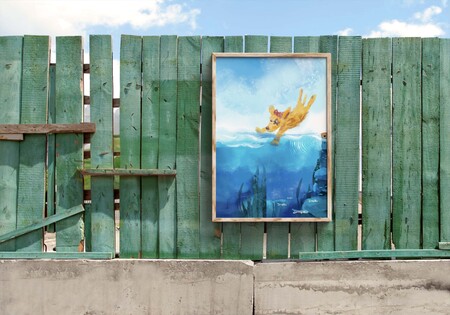
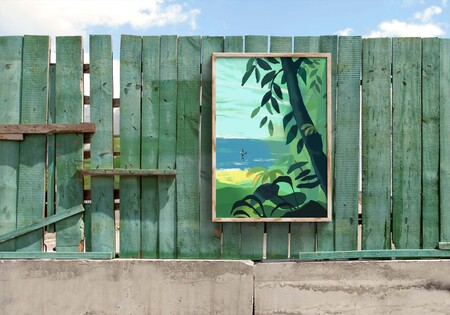
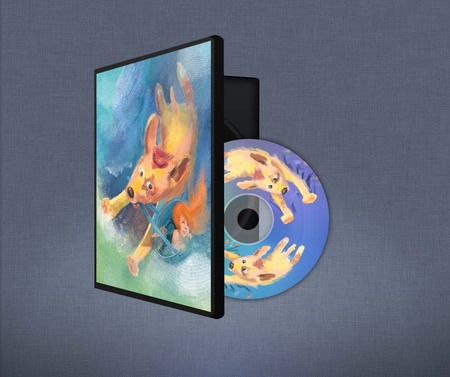
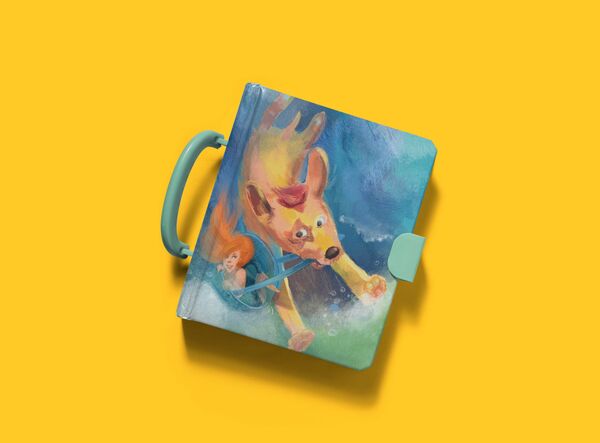
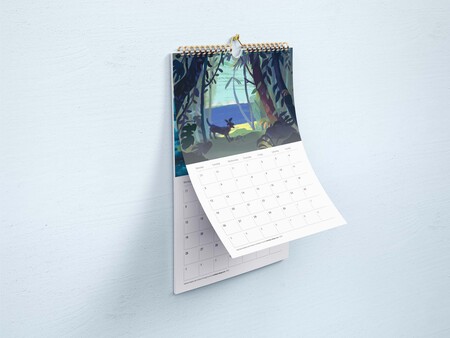
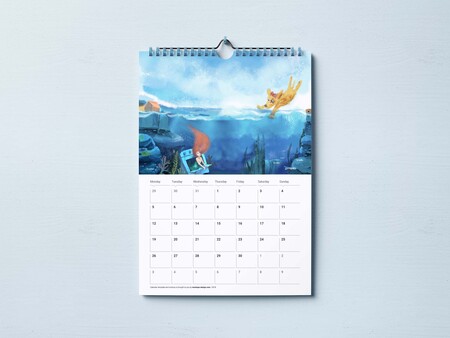
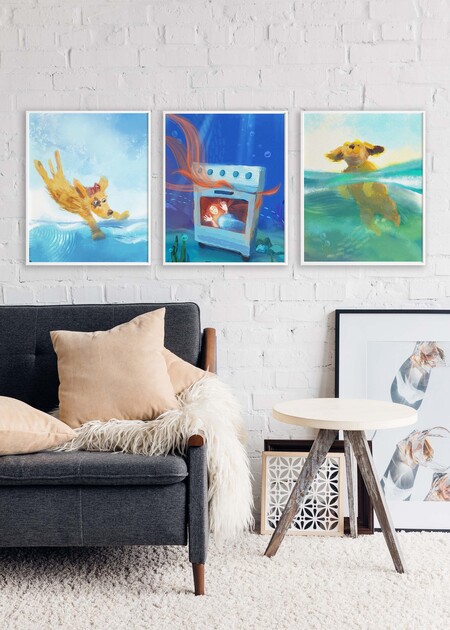
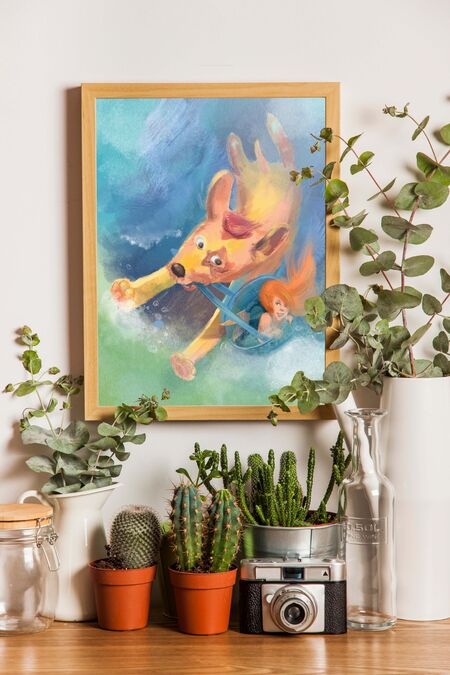
Серия иллюстраций и обложка к детской книге «Океан дружбы берега чудес».
Иллюстрации рассчитаны на младшую аудиторию, и помогают передать атмосферу произведения.
Техника исполнения — цифровая живопись.
Альбина Соловьева создала серию иллюстраций и обложку к детской книге «Океан дружбы, берега чудес». Иллюстрации выполнены в технике цифровой живописи и предназначены для младшей аудитории.
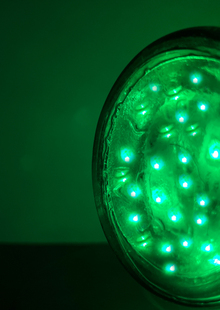
Авторы Людмила Момот и Марина Крамарчук создали интерактивный объект, имитирующий игру в бутылочку с элементами света и звука. Проект включает в себя реалистичную бутылку Боржоми 60-70-х годов с программированной светодиодной подсветкой и звуковыми эффектами.
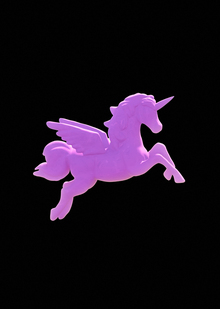
Проект «Грёзы» автора Виктории Смирновой представляет собой серию текстов, в которых исследуется волшебство детства и его влияние на взрослую жизнь. Особенностью проекта является использование метафор вращения и колыбельного танца для передачи идеи свободы и возврата к простым радостям.
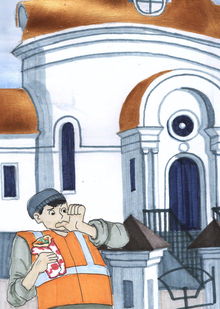
Софья Лямина создала серию иллюстраций, посвящённых городским рабочим, которые рассказывают о их жизненном пути. Проект подчёркивает, как обыденность может сочетаться с нечто прекрасным в повседневной жизни людей.
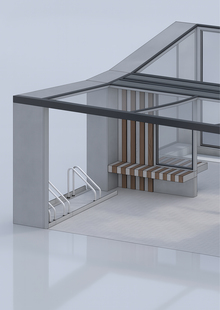
Анастасия Плоцен и Полина Ильковец разработали дизайн-проект велопарковки, сочетающей архитектурный стиль жилого комплекса с функциональностью и эстетикой. Проект включает в себя бетонные, стеклянные и деревянные элементы, обеспечивающие прочность, уют и интеграцию в городскую среду.
We use cookies to improve the operation of the HSE website and to enhance its usability. More detailed information on the use of cookies can be fou...
Show more
Press space bar to start a drag.
When dragging you can use the arrow keys to move the item around and escape to cancel.
Some screen readers may require you to be in focus mode or to use your pass through key
Press space bar to start a drag.
When dragging you can use the arrow keys to move the item around and escape to cancel.
Some screen readers may require you to be in focus mode or to use your pass through key
Press space bar to start a drag.
When dragging you can use the arrow keys to move the item around and escape to cancel.
Some screen readers may require you to be in focus mode or to use your pass through key
Press space bar to start a drag.
When dragging you can use the arrow keys to move the item around and escape to cancel.
Some screen readers may require you to be in focus mode or to use your pass through key
Press space bar to start a drag.
When dragging you can use the arrow keys to move the item around and escape to cancel.
Some screen readers may require you to be in focus mode or to use your pass through key
Press space bar to start a drag.
When dragging you can use the arrow keys to move the item around and escape to cancel.
Some screen readers may require you to be in focus mode or to use your pass through key
Press space bar to start a drag.
When dragging you can use the arrow keys to move the item around and escape to cancel.
Some screen readers may require you to be in focus mode or to use your pass through key
Press space bar to start a drag.
When dragging you can use the arrow keys to move the item around and escape to cancel.
Some screen readers may require you to be in focus mode or to use your pass through key
Press space bar to start a drag.
When dragging you can use the arrow keys to move the item around and escape to cancel.
Some screen readers may require you to be in focus mode or to use your pass through key
Press space bar to start a drag.
When dragging you can use the arrow keys to move the item around and escape to cancel.
Some screen readers may require you to be in focus mode or to use your pass through key