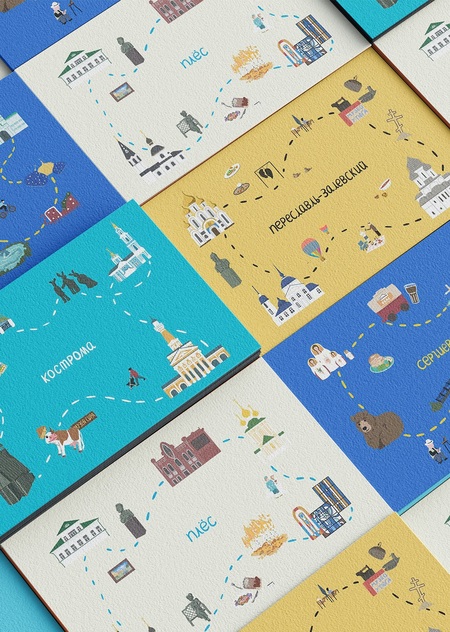
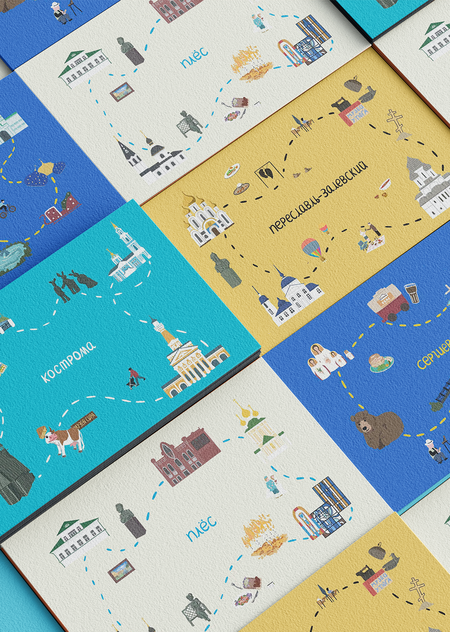
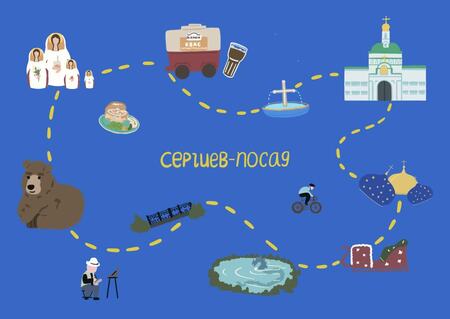
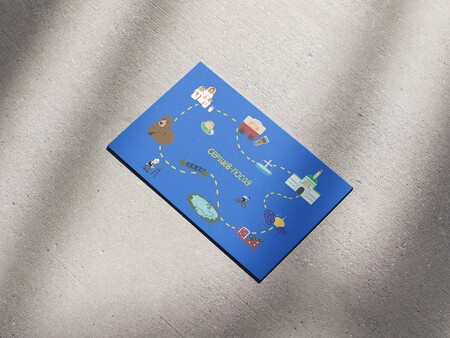
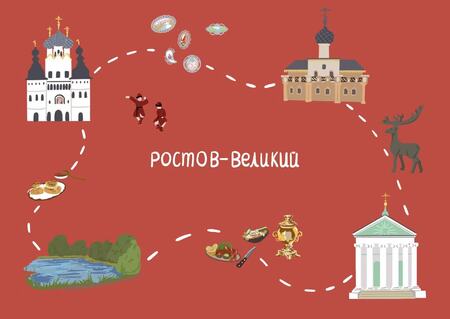
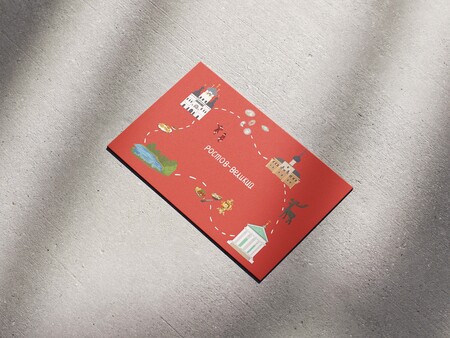
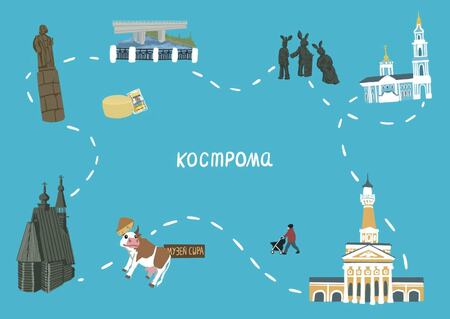
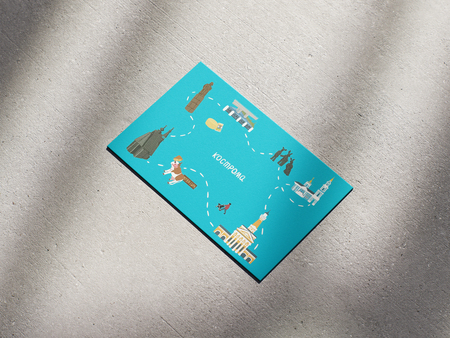
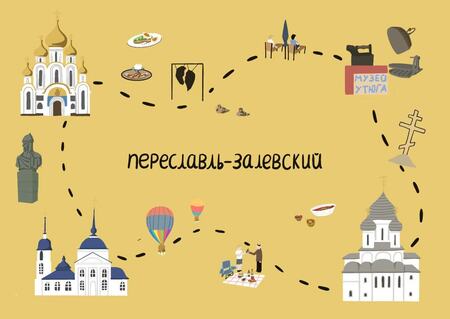
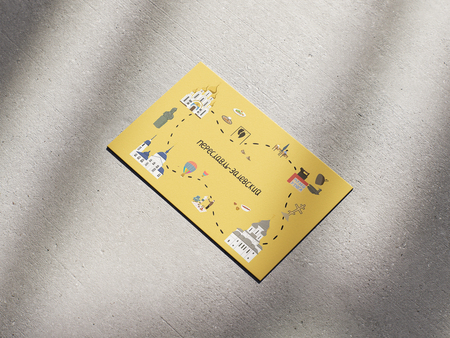
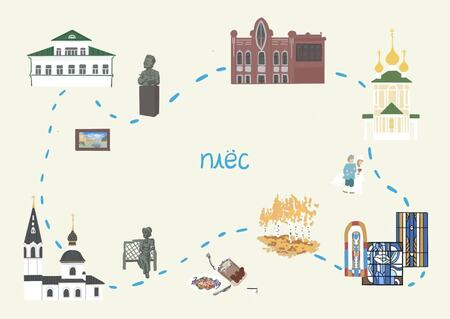
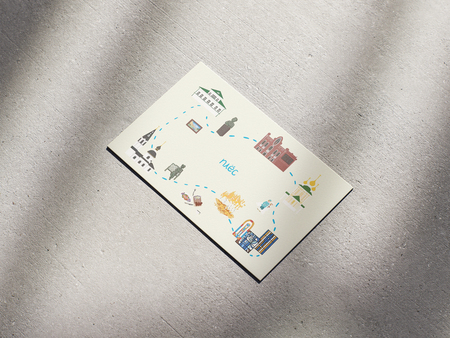
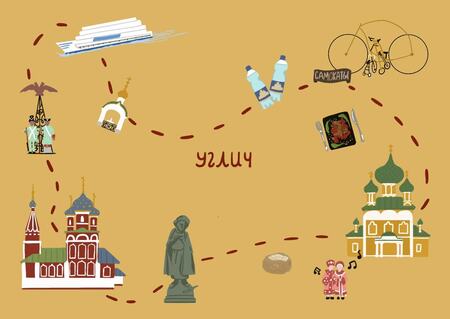
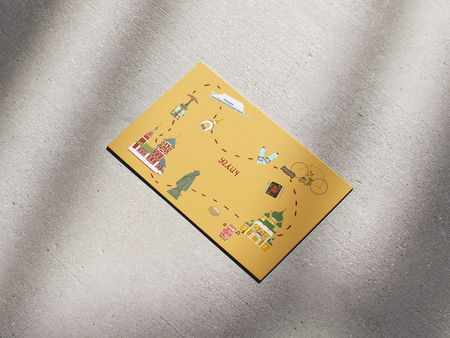
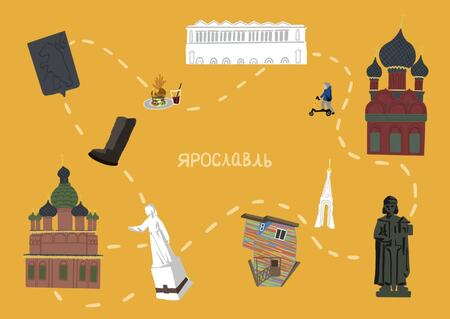
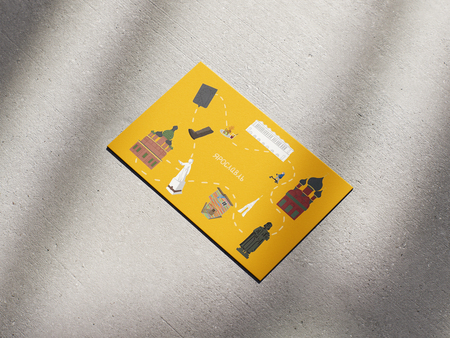
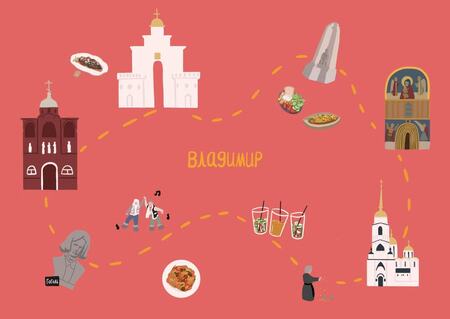
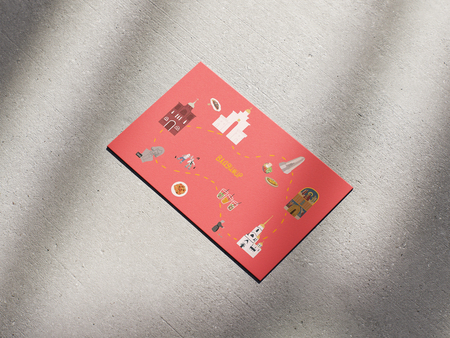
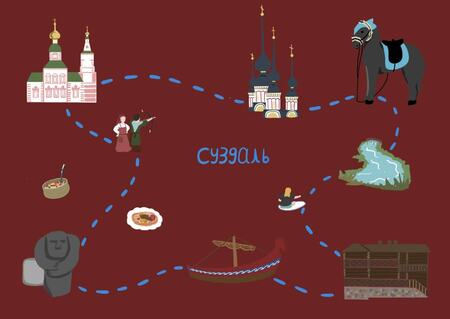
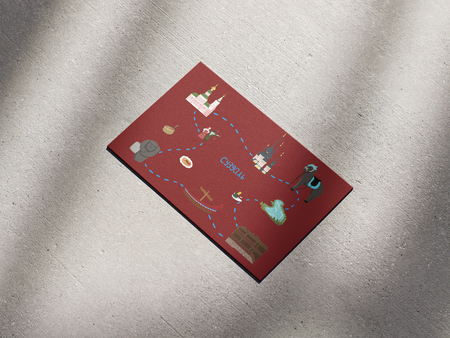
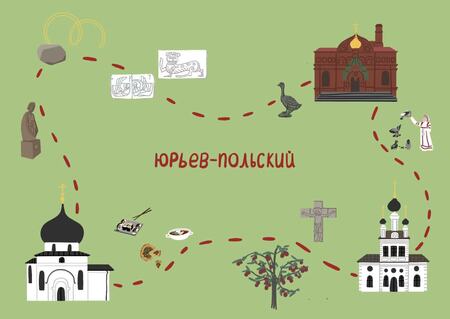
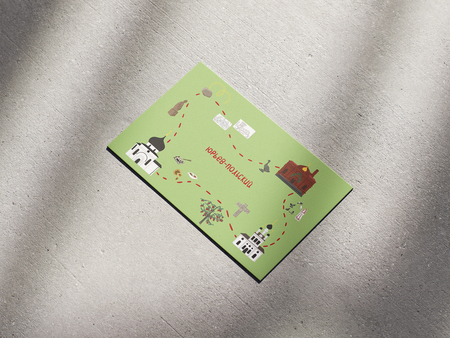
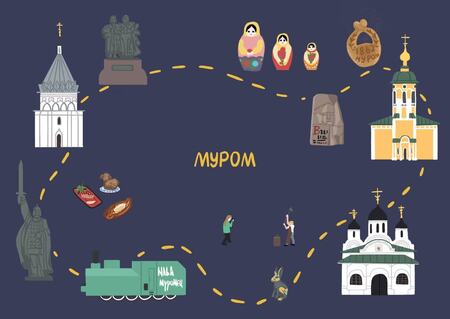
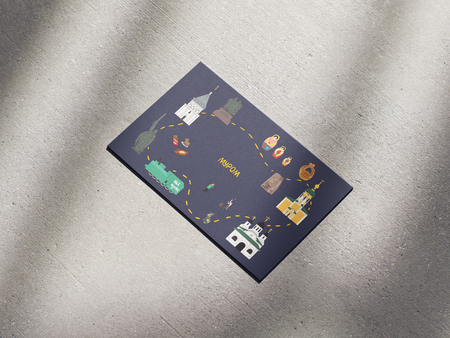
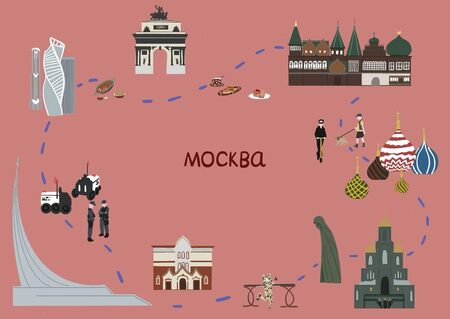
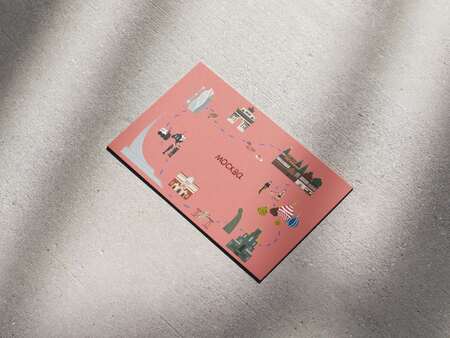
Данная серия авторских иллюстрированных открыток «микро следы Золотого кольца» посвящена древним городам Золотого кольца России.
В процессе создания были собраны материалы о знаковых зданиях и туристических пейзажах каждого города. Реалистичные сцены стилизованы в милый плоский мультяшный стиль. Цветовая палитра для каждого города подобрана по цветам его городского флага, чтобы передать уникальные местные черты.
Проект запечатлел облик городов Золотого кольца через нежный и игривый художественный взгляд, сочетая архитектурную эстетику и культуру городских флагов.
Это оригинальный туристический сувенир, обладающий художественной ценностью и памятным смыслом.
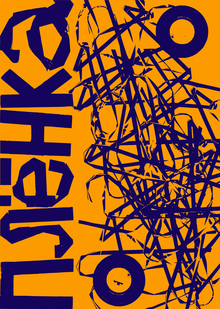
«плёнка» — журнал о кассетной культуре, истории ее возникновения, специфике аудиокассет как звуконосителя и их влиянии на музыкальную индустрию, культуру и искусство
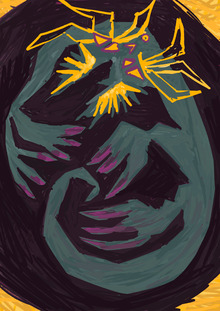
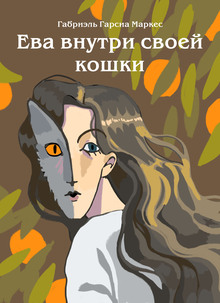
Серия иллюстраций к рассказу «Ева внутри своей кошки» Габриэля Гарсиа Маркеса. «Ева внутри своей кошки» — короткая, но глубокая история о боли утраты и поиске спасения. В этом рассказе реальность переплетается с подсознанием, а Евина невозможность есть апельсины становится символом ее душевной травмы, из которой главная героиня пытается найти выход, переселяясь в свою кошку
We use cookies to improve the operation of the HSE website and to enhance its usability. More detailed information on the use of cookies can be fou...
Show more
Press space bar to start a drag.
When dragging you can use the arrow keys to move the item around and escape to cancel.
Some screen readers may require you to be in focus mode or to use your pass through key
Press space bar to start a drag.
When dragging you can use the arrow keys to move the item around and escape to cancel.
Some screen readers may require you to be in focus mode or to use your pass through key
Press space bar to start a drag.
When dragging you can use the arrow keys to move the item around and escape to cancel.
Some screen readers may require you to be in focus mode or to use your pass through key
Press space bar to start a drag.
When dragging you can use the arrow keys to move the item around and escape to cancel.
Some screen readers may require you to be in focus mode or to use your pass through key
Press space bar to start a drag.
When dragging you can use the arrow keys to move the item around and escape to cancel.
Some screen readers may require you to be in focus mode or to use your pass through key
Press space bar to start a drag.
When dragging you can use the arrow keys to move the item around and escape to cancel.
Some screen readers may require you to be in focus mode or to use your pass through key
Press space bar to start a drag.
When dragging you can use the arrow keys to move the item around and escape to cancel.
Some screen readers may require you to be in focus mode or to use your pass through key
Press space bar to start a drag.
When dragging you can use the arrow keys to move the item around and escape to cancel.
Some screen readers may require you to be in focus mode or to use your pass through key
Press space bar to start a drag.
When dragging you can use the arrow keys to move the item around and escape to cancel.
Some screen readers may require you to be in focus mode or to use your pass through key
Press space bar to start a drag.
When dragging you can use the arrow keys to move the item around and escape to cancel.
Some screen readers may require you to be in focus mode or to use your pass through key
Press space bar to start a drag.
When dragging you can use the arrow keys to move the item around and escape to cancel.
Some screen readers may require you to be in focus mode or to use your pass through key
Press space bar to start a drag.
When dragging you can use the arrow keys to move the item around and escape to cancel.
Some screen readers may require you to be in focus mode or to use your pass through key