Данный проект является учебной работой студента Школы дизайна или исследовательской работой преподавателя Школы дизайна. Данный проект не является коммерческим и служит образовательным целям
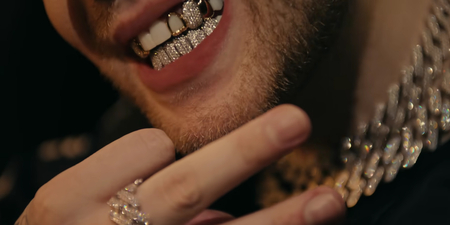
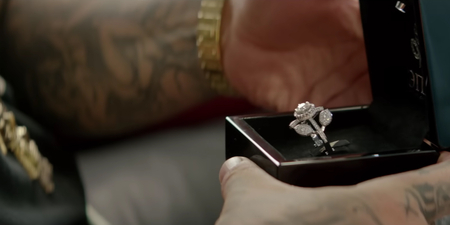
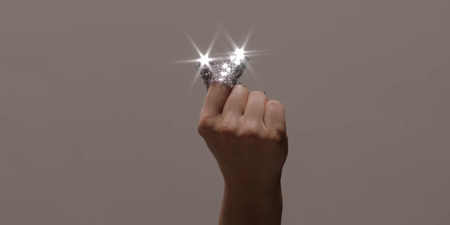
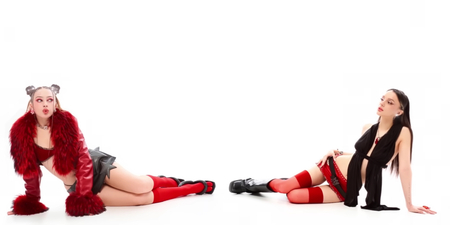
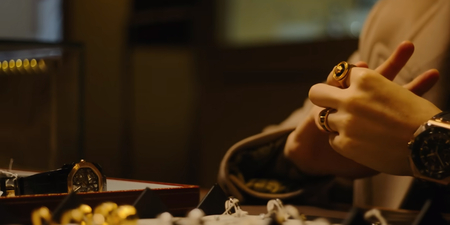
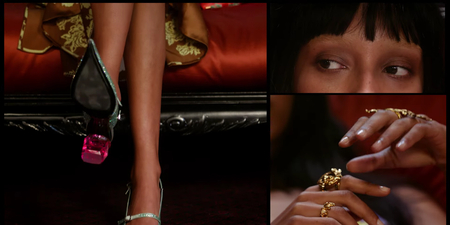
Атрибуты: Yanix — VVS / Versace — Can I Ask You Something?
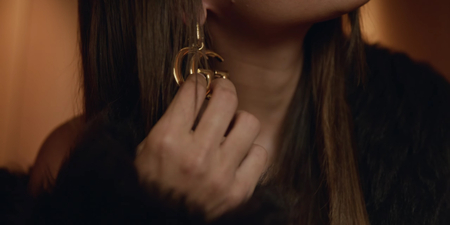
Внешний вид: Yanix — На Груди, На Запястье / Versace — Spring-Summer 2025
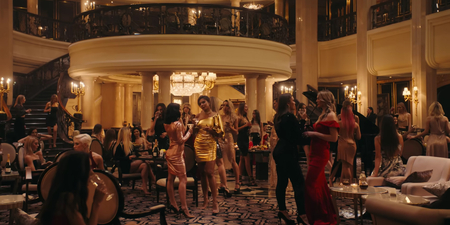
Атмосфера: Yanix — Party / Versace — FENDACE
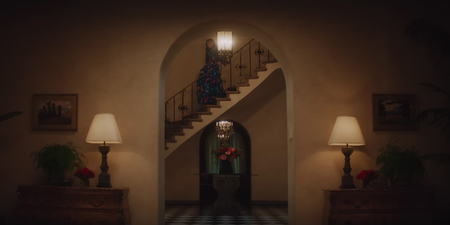
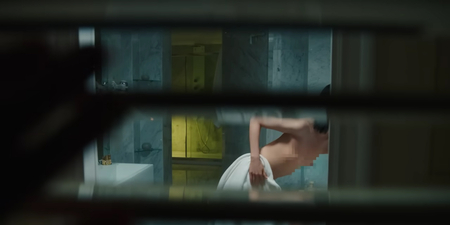
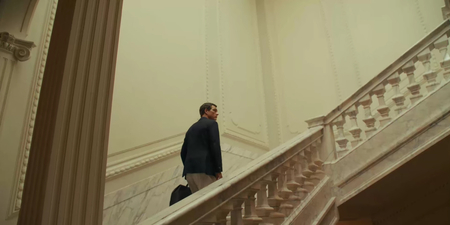
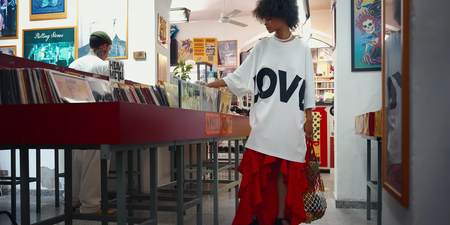
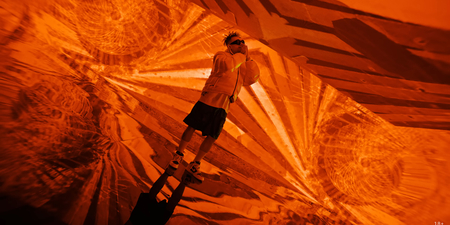
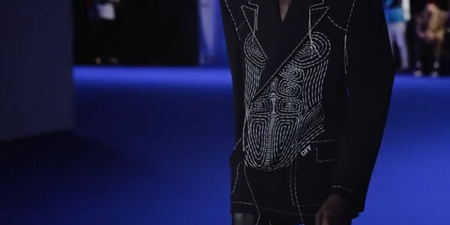
Локация: Элджей — Wunder King / Off White — Winter 2022
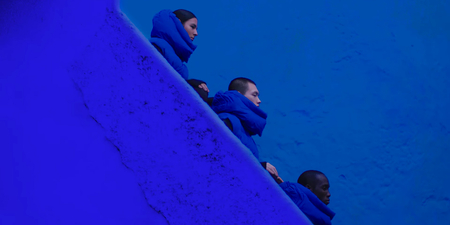
Атрибуты: Элджей — Wunder King / Off White — Virgil Abloh ss22
Внешний вид: Элджей — Lamborghini Countach / Off White — CELEBRATION ss23
Атмосфера: Элджей — Sayonara Детка / Off White — Fall Winter 2024
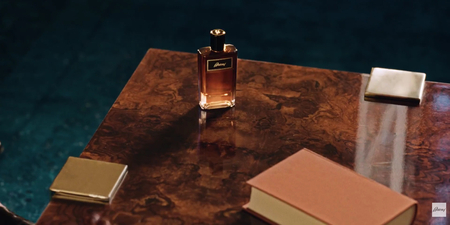
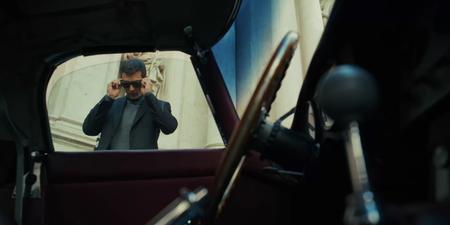
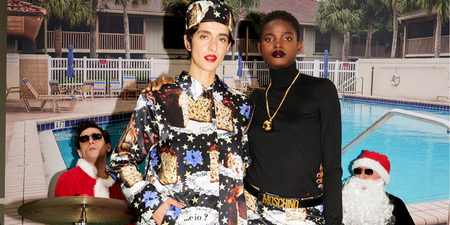
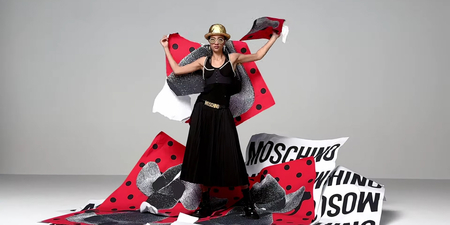
Образ успеха и роскоши, как правило, построен на контрастах между элегантностью и материальными ценностями. Это дорогие машины, роскошные дома и просторные апартаменты, которые служат фоном для демонстрации статусных атрибутов, таких как золотые украшения, бриллианты, роскошная одежда и аксессуары. Визуальные акценты сделаны на гладких текстурах, высококачественных материалах и безупречном стиле. В этом образе все внимание акцентируется на материальном благополучии и успешности.
Образ успеха и роскоши вызывает у аудитории ассоциации с высоким статусом и стремлением к материальным ценностям. Такие визуальные элементы усиливают желание быть частью этого мира, создавая эффект желания следовать за этим образом жизни. Визуальные акценты на богатстве и эксклюзивности дают понять, что человек, попадающий в этот мир, обладает не только деньгами, но и высоким статусом, влиянием и успехом. Это пример сильного визуального образа, который строит свою аудиторию на основе приверженности к роскоши и достижению целей.
Мы используем файлы cookies для улучшения работы сайта НИУ ВШЭ и большего удобства его использования. Более подробную...
Показать больше
Press space bar to start a drag.
When dragging you can use the arrow keys to move the item around and escape to cancel.
Some screen readers may require you to be in focus mode or to use your pass through key
Press space bar to start a drag.
When dragging you can use the arrow keys to move the item around and escape to cancel.
Some screen readers may require you to be in focus mode or to use your pass through key
Press space bar to start a drag.
When dragging you can use the arrow keys to move the item around and escape to cancel.
Some screen readers may require you to be in focus mode or to use your pass through key
Press space bar to start a drag.
When dragging you can use the arrow keys to move the item around and escape to cancel.
Some screen readers may require you to be in focus mode or to use your pass through key
Press space bar to start a drag.
When dragging you can use the arrow keys to move the item around and escape to cancel.
Some screen readers may require you to be in focus mode or to use your pass through key
Press space bar to start a drag.
When dragging you can use the arrow keys to move the item around and escape to cancel.
Some screen readers may require you to be in focus mode or to use your pass through key
Press space bar to start a drag.
When dragging you can use the arrow keys to move the item around and escape to cancel.
Some screen readers may require you to be in focus mode or to use your pass through key
Press space bar to start a drag.
When dragging you can use the arrow keys to move the item around and escape to cancel.
Some screen readers may require you to be in focus mode or to use your pass through key
Press space bar to start a drag.
When dragging you can use the arrow keys to move the item around and escape to cancel.
Some screen readers may require you to be in focus mode or to use your pass through key
Press space bar to start a drag.
When dragging you can use the arrow keys to move the item around and escape to cancel.
Some screen readers may require you to be in focus mode or to use your pass through key
Press space bar to start a drag.
When dragging you can use the arrow keys to move the item around and escape to cancel.
Some screen readers may require you to be in focus mode or to use your pass through key
Press space bar to start a drag.
When dragging you can use the arrow keys to move the item around and escape to cancel.
Some screen readers may require you to be in focus mode or to use your pass through key
Press space bar to start a drag.
When dragging you can use the arrow keys to move the item around and escape to cancel.
Some screen readers may require you to be in focus mode or to use your pass through key
Press space bar to start a drag.
When dragging you can use the arrow keys to move the item around and escape to cancel.
Some screen readers may require you to be in focus mode or to use your pass through key
Press space bar to start a drag.
When dragging you can use the arrow keys to move the item around and escape to cancel.
Some screen readers may require you to be in focus mode or to use your pass through key
Press space bar to start a drag.
When dragging you can use the arrow keys to move the item around and escape to cancel.
Some screen readers may require you to be in focus mode or to use your pass through key
Press space bar to start a drag.
When dragging you can use the arrow keys to move the item around and escape to cancel.
Some screen readers may require you to be in focus mode or to use your pass through key
Press space bar to start a drag.
When dragging you can use the arrow keys to move the item around and escape to cancel.
Some screen readers may require you to be in focus mode or to use your pass through key
Press space bar to start a drag.
When dragging you can use the arrow keys to move the item around and escape to cancel.
Some screen readers may require you to be in focus mode or to use your pass through key
Press space bar to start a drag.
When dragging you can use the arrow keys to move the item around and escape to cancel.
Some screen readers may require you to be in focus mode or to use your pass through key