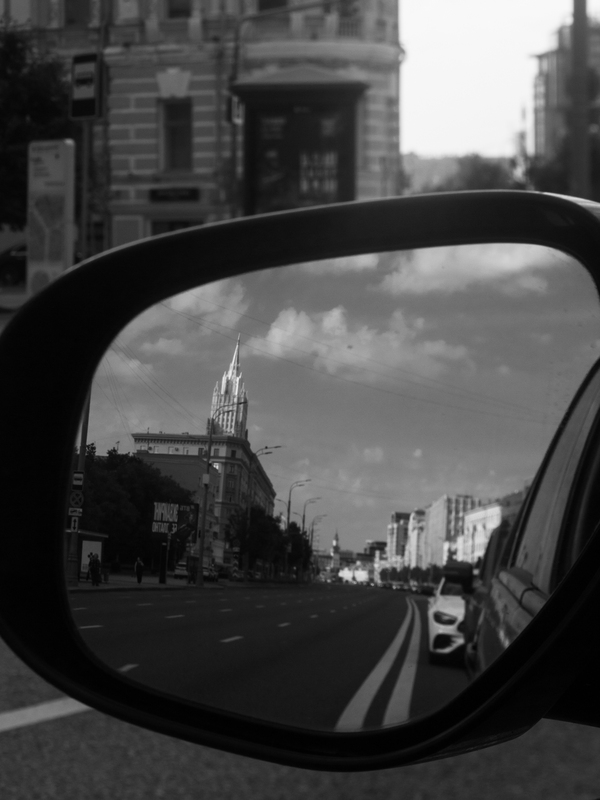
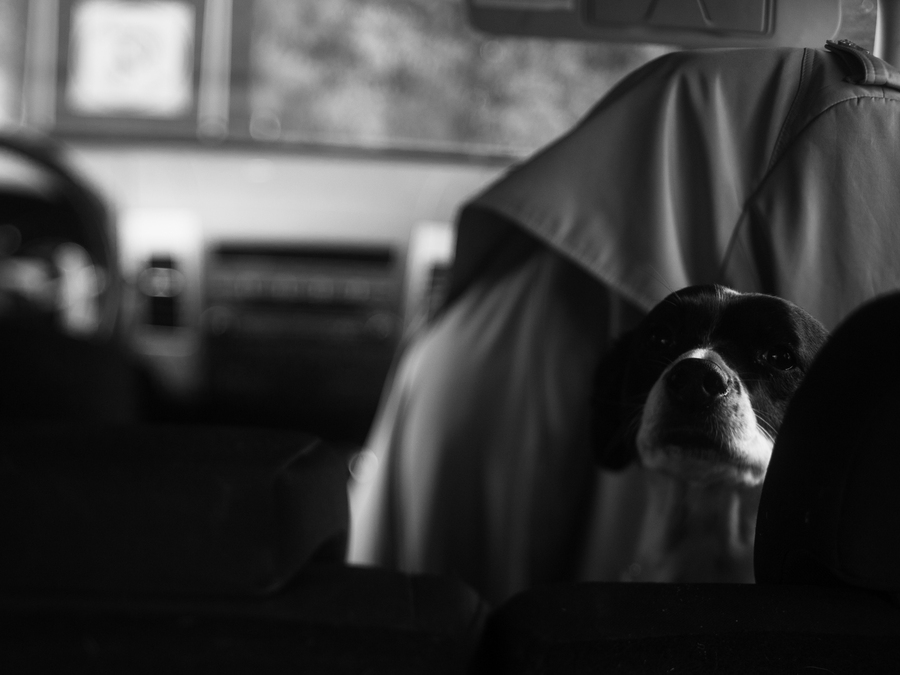
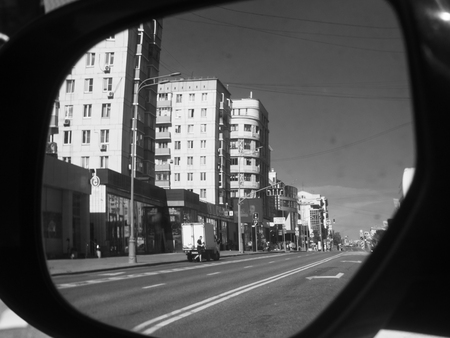
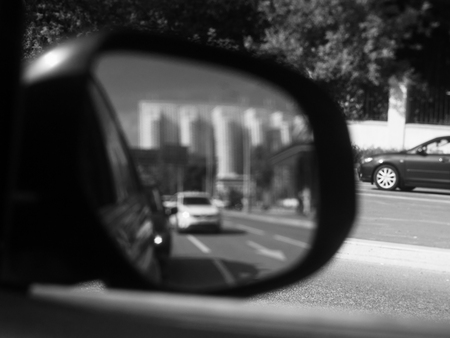
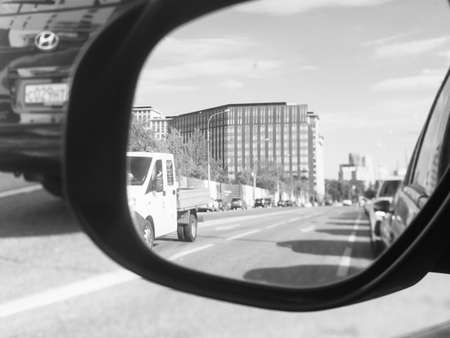
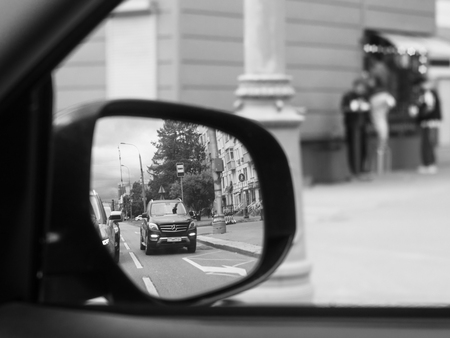
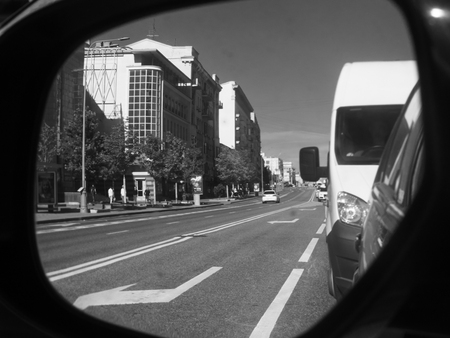
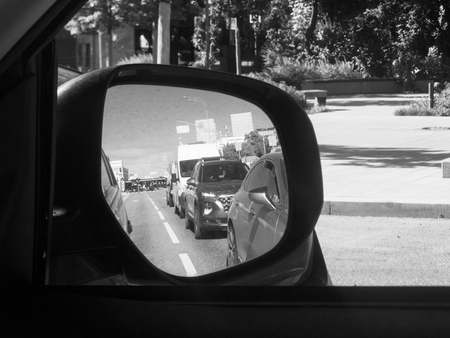
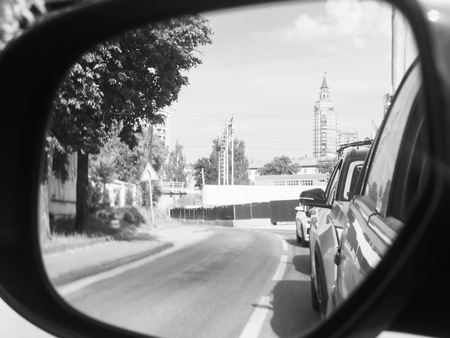
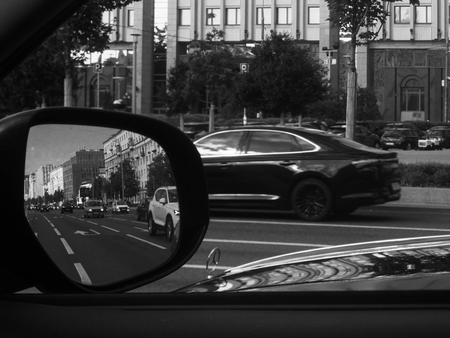
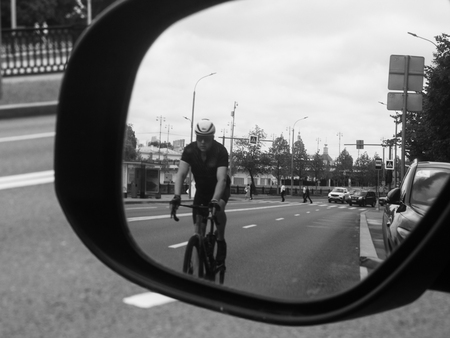
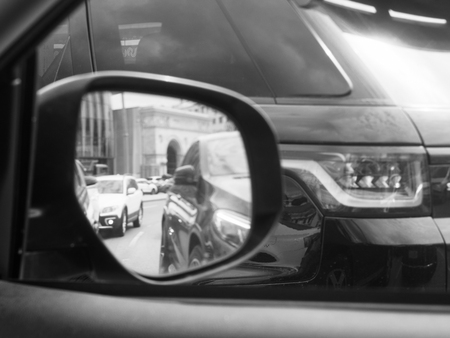
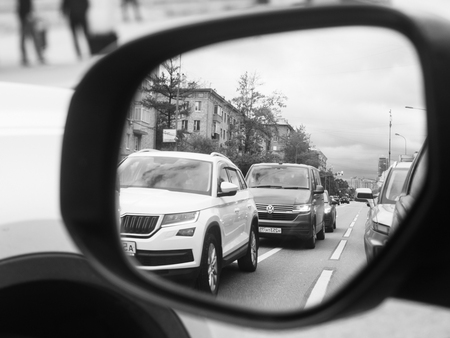
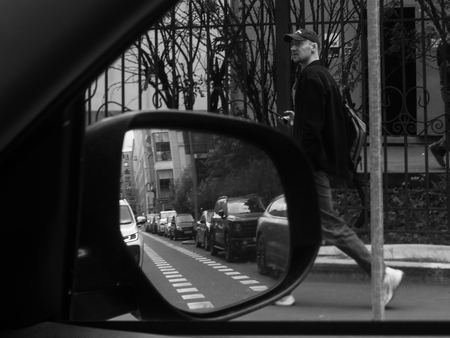
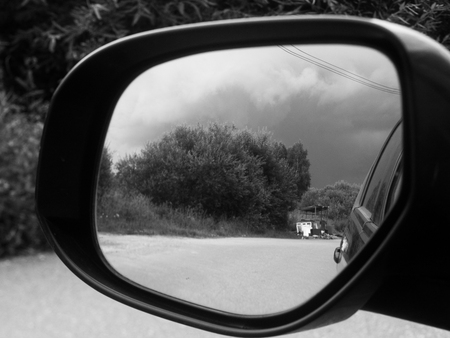
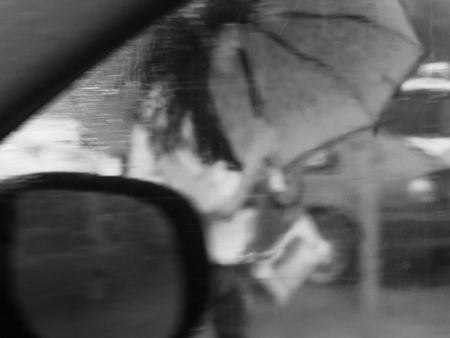
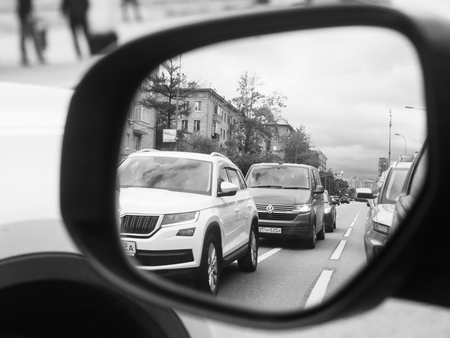
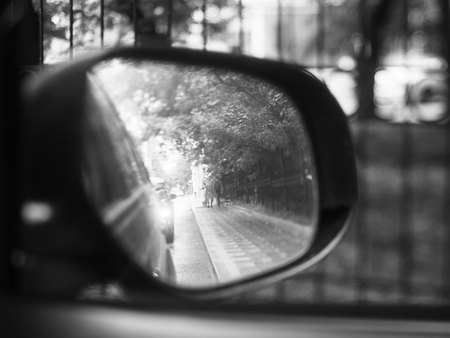
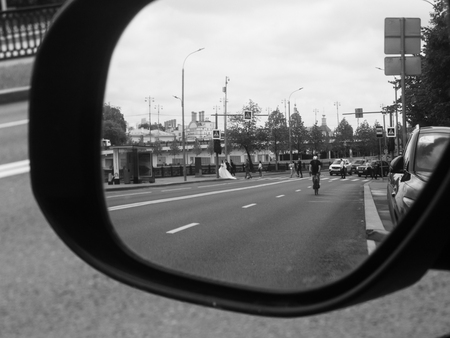
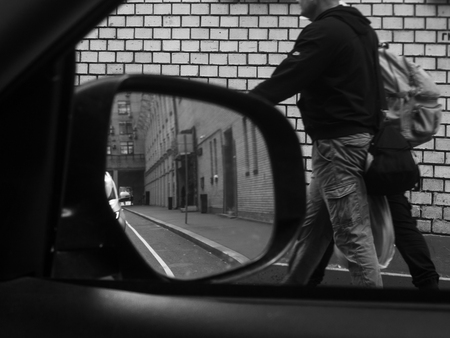
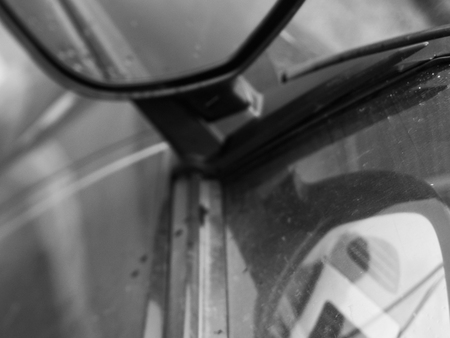
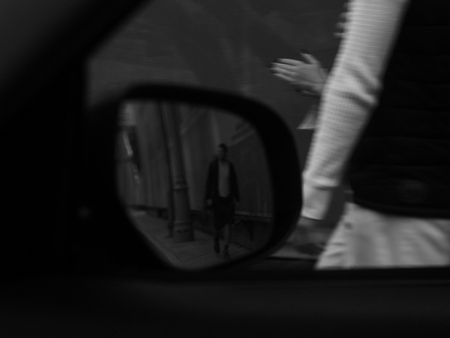
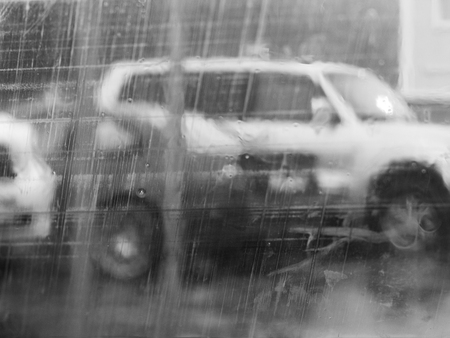
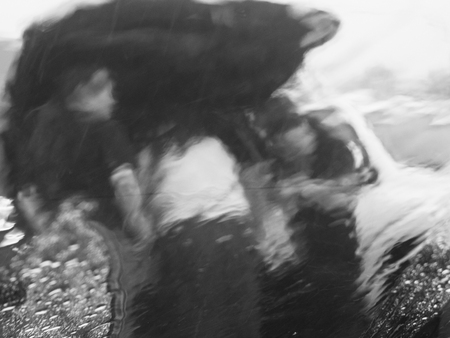
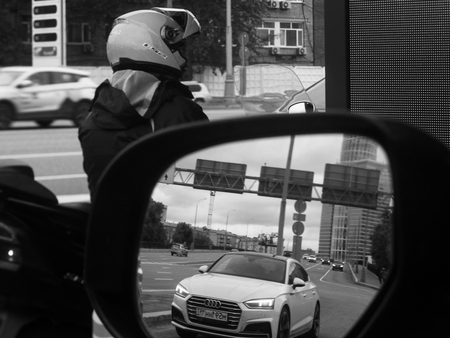
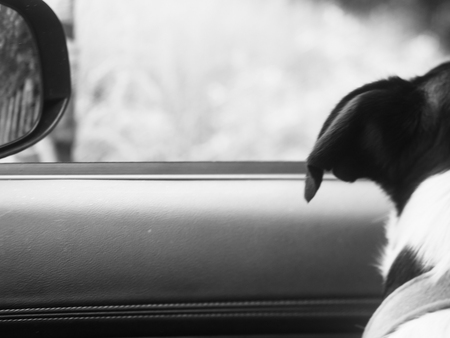
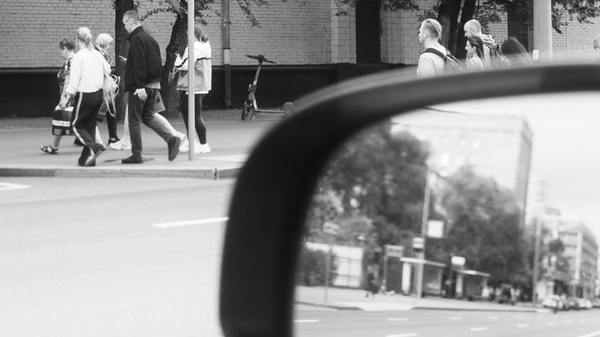
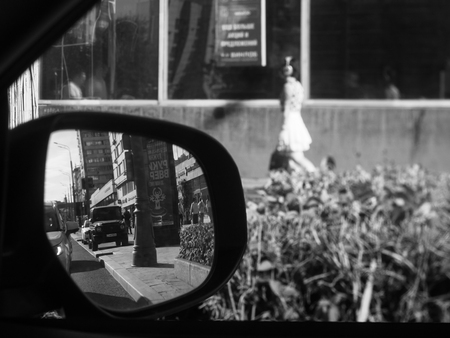
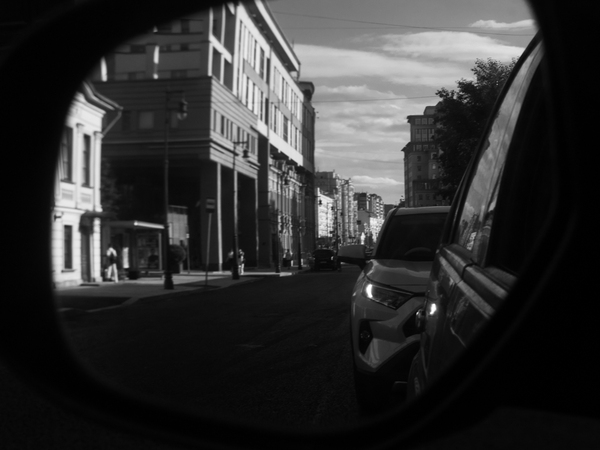
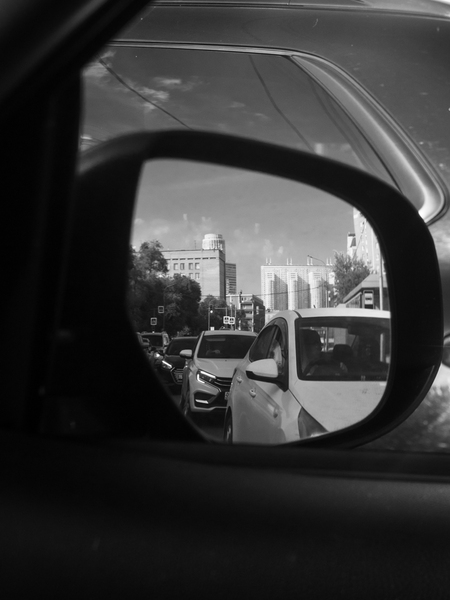
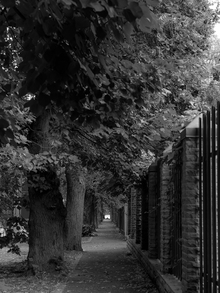
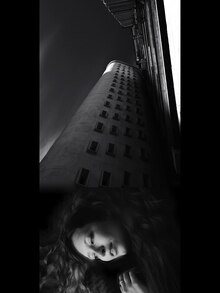
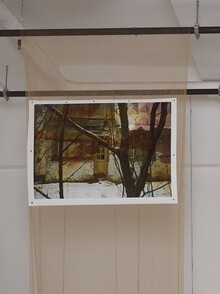
Город в зеркалах автомобиля — это город, на который не смотрят. Его не выбирает водитель, в него не вглядываются пассажиры, с ним не вступают в отношения. Он тянется сбоку, как фон к трафику, как визуальный шум, поток неразличимых фасадов, светофоров, перекрёстков, остановок, чужих машин. Из салона он кажется тотальным, но необязательным: декорация, которая меняется, пока ты перемещаешься из одной обязательной точки в другую. Из дома — на работу. С работы — домой. Через весь мегаполис, через пробки, через одни и те же маршруты. Город за окном превращается в пятно, в мельтешение, в цветовую массу без деталей. Отражение в зеркале смешивается с тем, что снаружи: оптический шум становится нормой зрения.
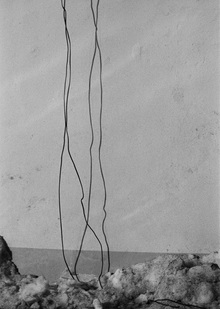
Одна из самых важных задач фотографии — сохранить любую информацию о текущем этапе жизни для будущих поколений. С течением времени методы получения и печати снимков меняются так же как и вся окружающая человека жизнь. Чтобы лучше понять прошлое, иногда бывает полезно воссоздать старинные технологии и посмотреть на то немногое, что нам досталось в наследство от уходящей эпохи, глазами старой оптики. Попытка смоделировать искусственно старый архив памяти — это своеобразный способ размораживания не только исторических технологий съемки и аналогового способа печати фото, но и самого видения времени и чувства пространства всем предыдущим поколением.
Мы используем файлы cookies для улучшения работы сайта НИУ ВШЭ и большего удобства его использования. Более подробную...
Показать больше
Press space bar to start a drag.
When dragging you can use the arrow keys to move the item around and escape to cancel.
Some screen readers may require you to be in focus mode or to use your pass through key
Press space bar to start a drag.
When dragging you can use the arrow keys to move the item around and escape to cancel.
Some screen readers may require you to be in focus mode or to use your pass through key
Press space bar to start a drag.
When dragging you can use the arrow keys to move the item around and escape to cancel.
Some screen readers may require you to be in focus mode or to use your pass through key
Press space bar to start a drag.
When dragging you can use the arrow keys to move the item around and escape to cancel.
Some screen readers may require you to be in focus mode or to use your pass through key
Press space bar to start a drag.
When dragging you can use the arrow keys to move the item around and escape to cancel.
Some screen readers may require you to be in focus mode or to use your pass through key
Press space bar to start a drag.
When dragging you can use the arrow keys to move the item around and escape to cancel.
Some screen readers may require you to be in focus mode or to use your pass through key
Press space bar to start a drag.
When dragging you can use the arrow keys to move the item around and escape to cancel.
Some screen readers may require you to be in focus mode or to use your pass through key
Press space bar to start a drag.
When dragging you can use the arrow keys to move the item around and escape to cancel.
Some screen readers may require you to be in focus mode or to use your pass through key
Press space bar to start a drag.
When dragging you can use the arrow keys to move the item around and escape to cancel.
Some screen readers may require you to be in focus mode or to use your pass through key
Press space bar to start a drag.
When dragging you can use the arrow keys to move the item around and escape to cancel.
Some screen readers may require you to be in focus mode or to use your pass through key
Press space bar to start a drag.
When dragging you can use the arrow keys to move the item around and escape to cancel.
Some screen readers may require you to be in focus mode or to use your pass through key
Press space bar to start a drag.
When dragging you can use the arrow keys to move the item around and escape to cancel.
Some screen readers may require you to be in focus mode or to use your pass through key
Press space bar to start a drag.
When dragging you can use the arrow keys to move the item around and escape to cancel.
Some screen readers may require you to be in focus mode or to use your pass through key
Press space bar to start a drag.
When dragging you can use the arrow keys to move the item around and escape to cancel.
Some screen readers may require you to be in focus mode or to use your pass through key