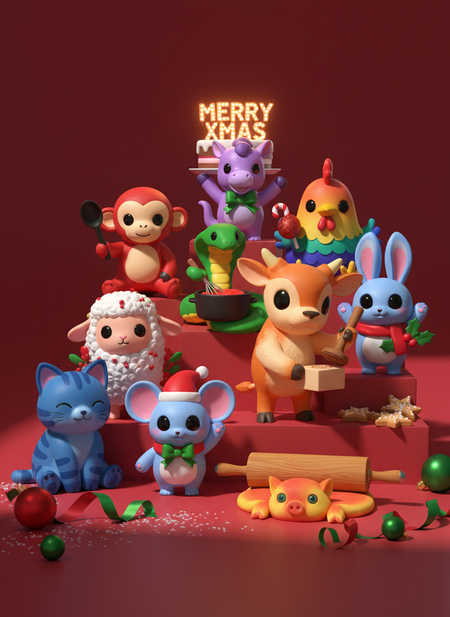
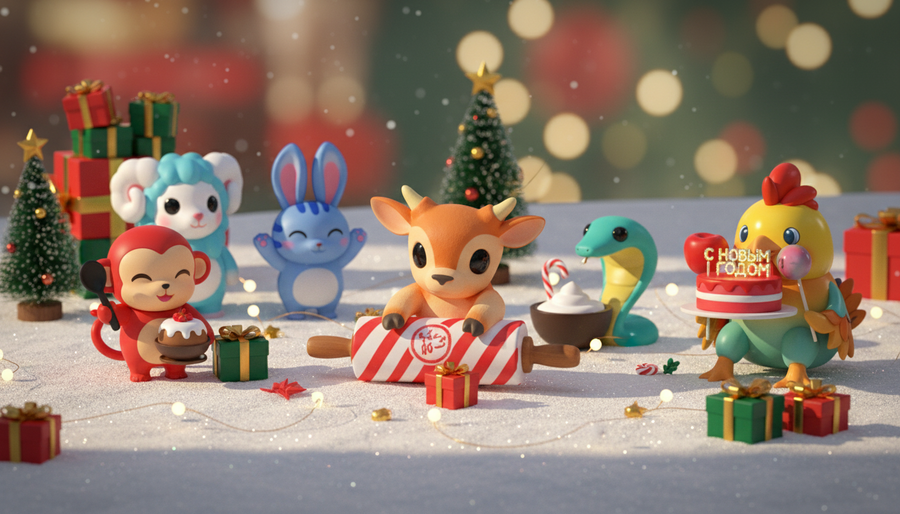
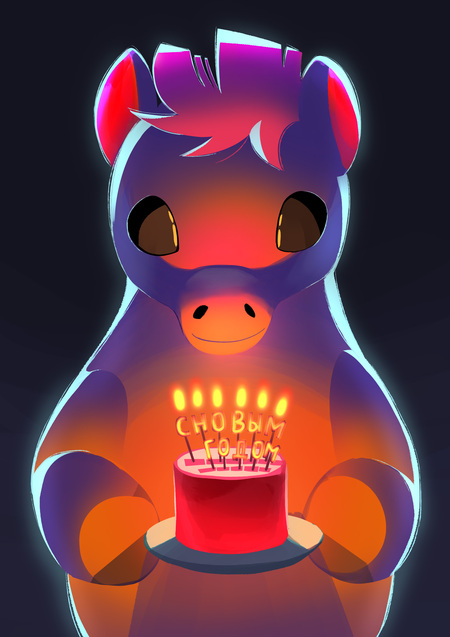
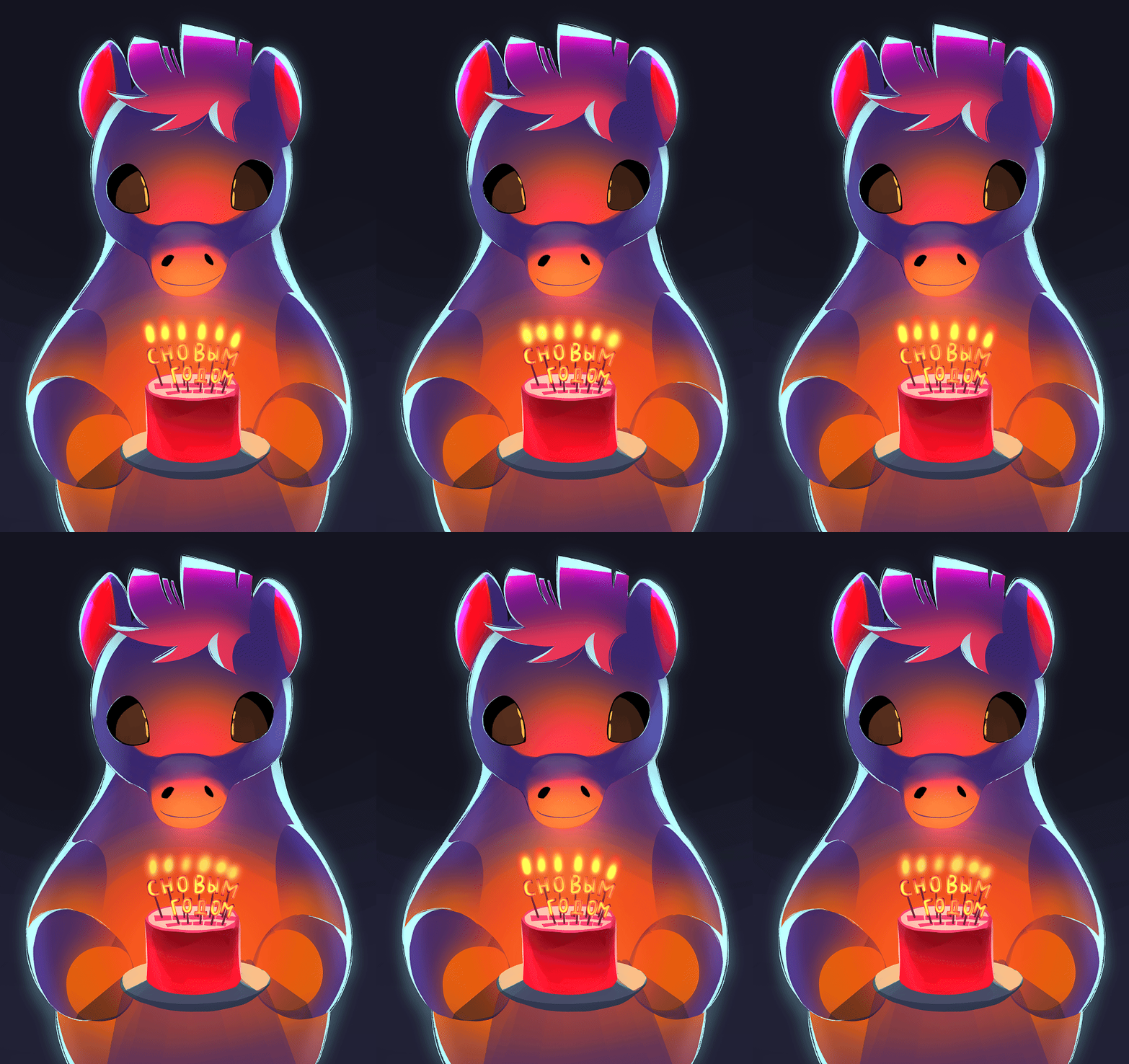
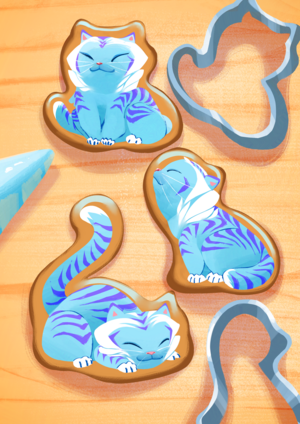
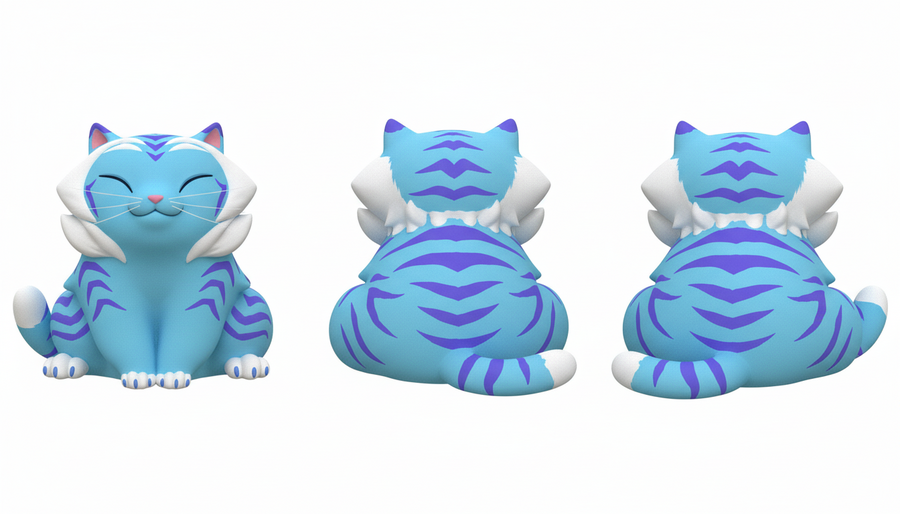
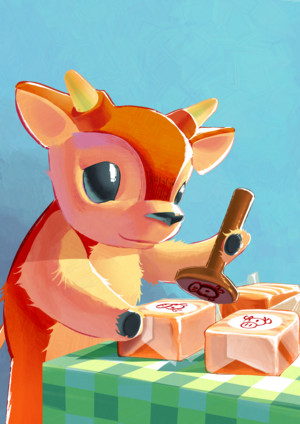
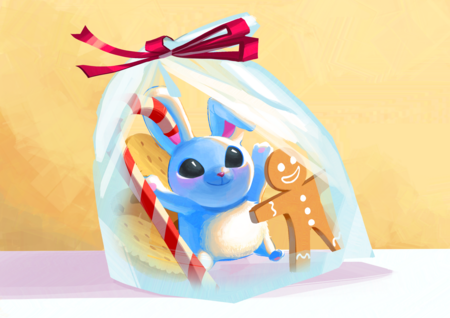
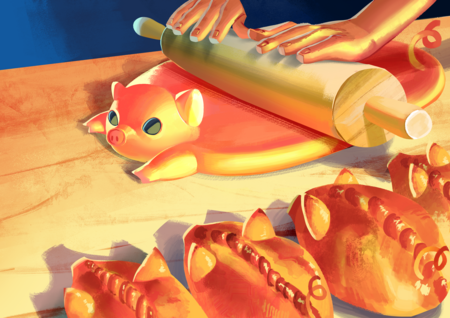
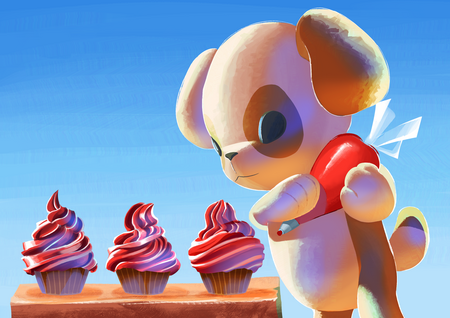
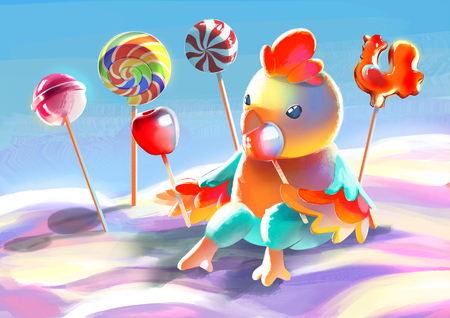
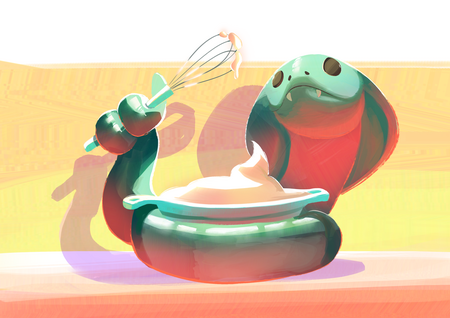
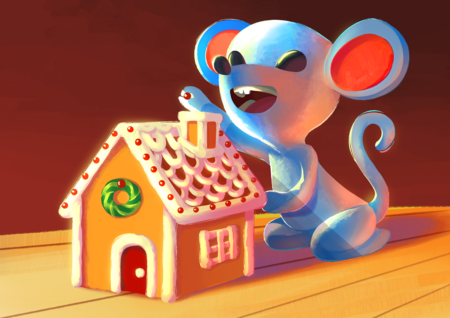
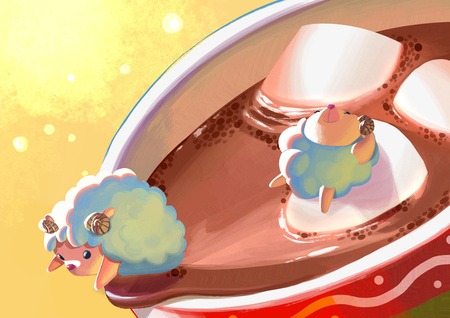
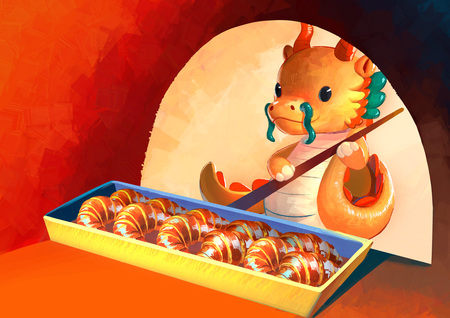
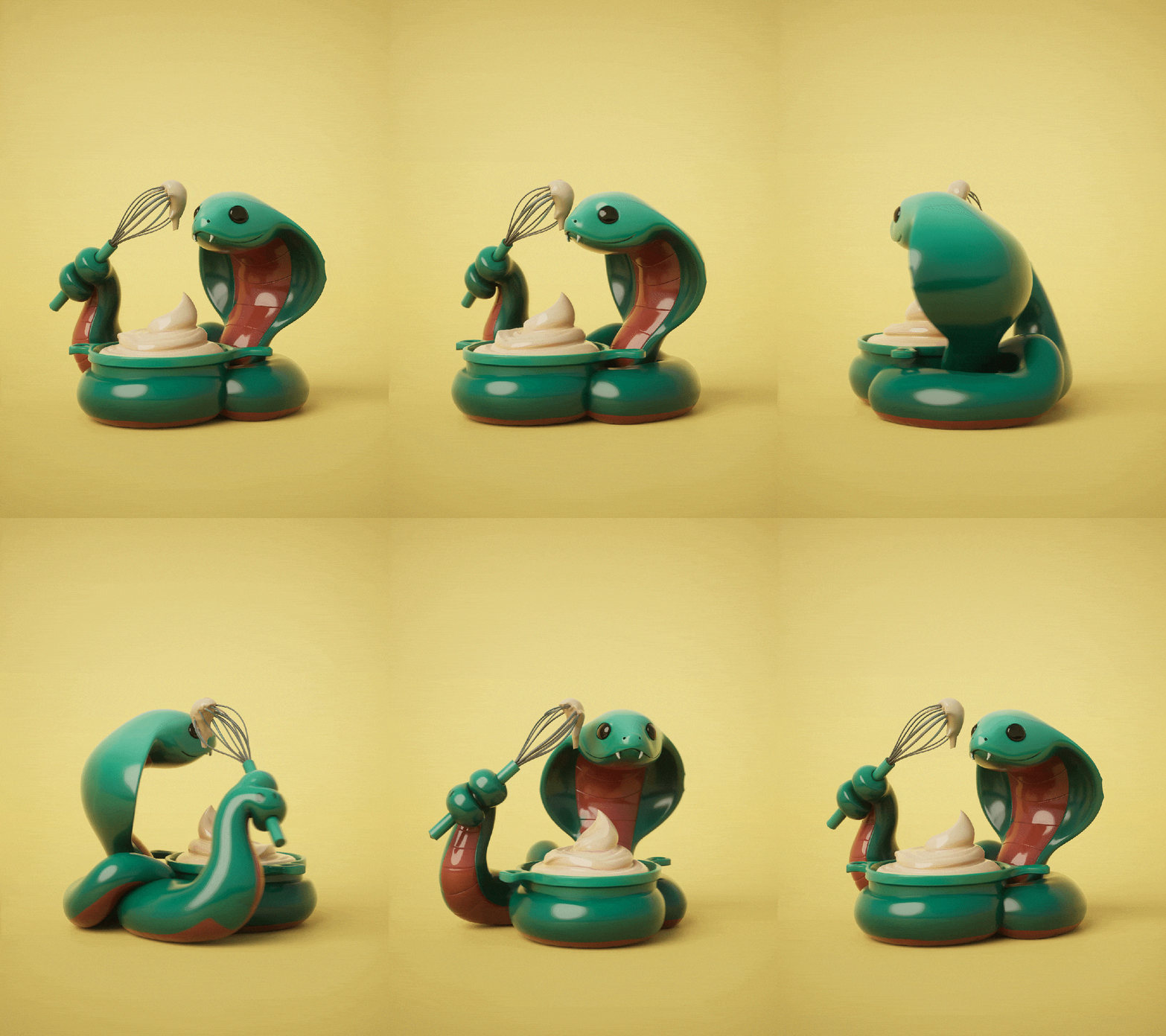
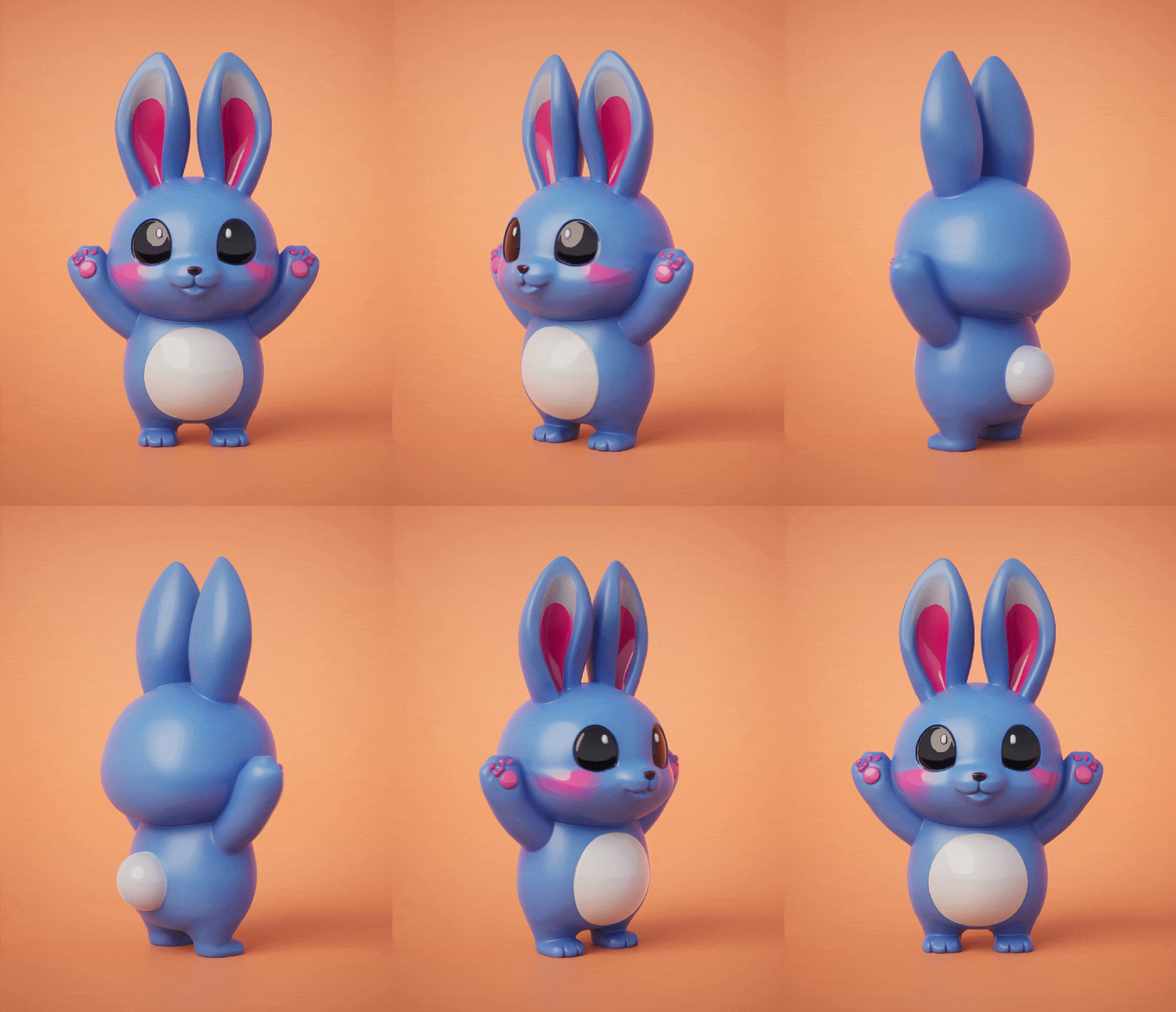
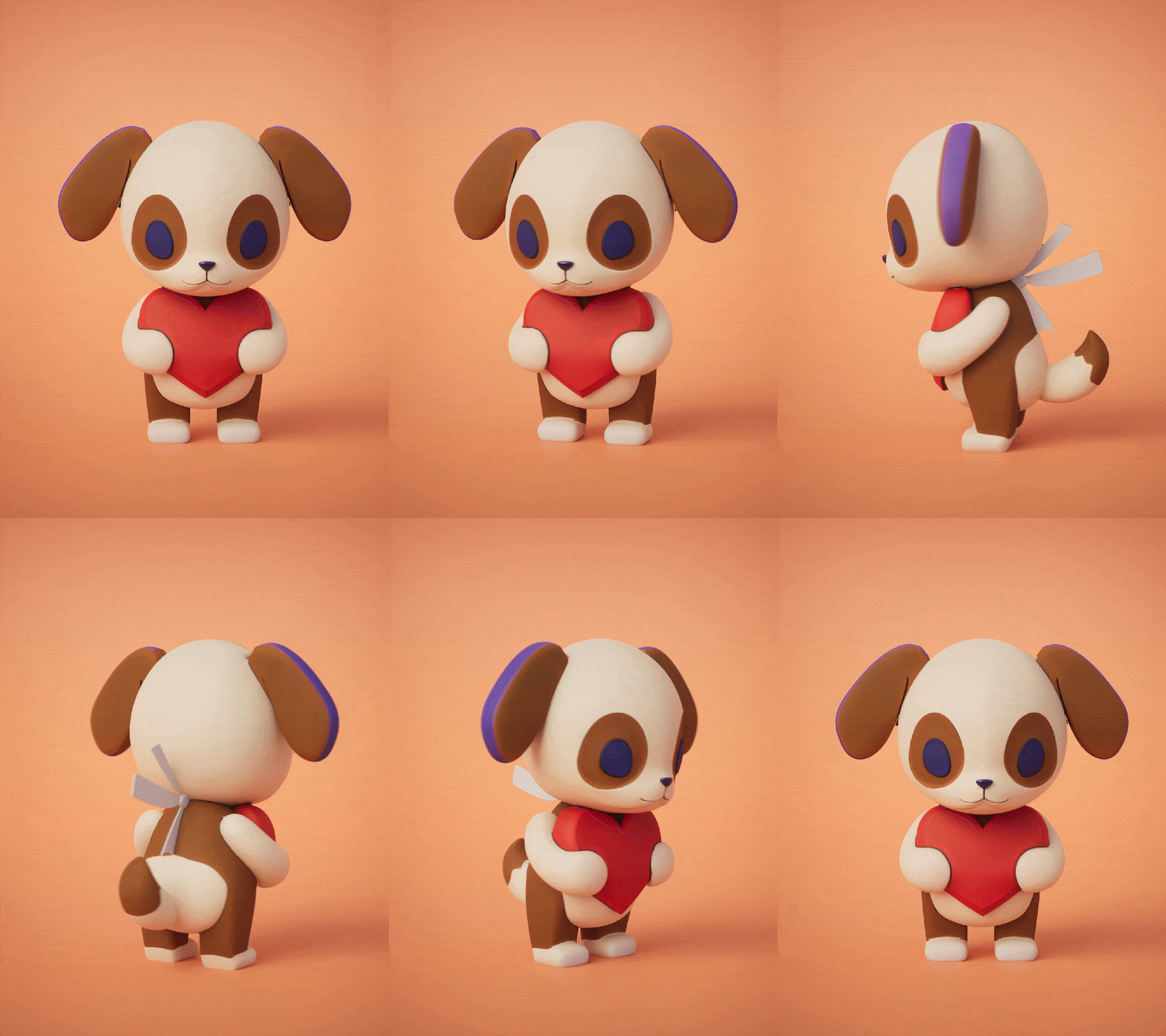
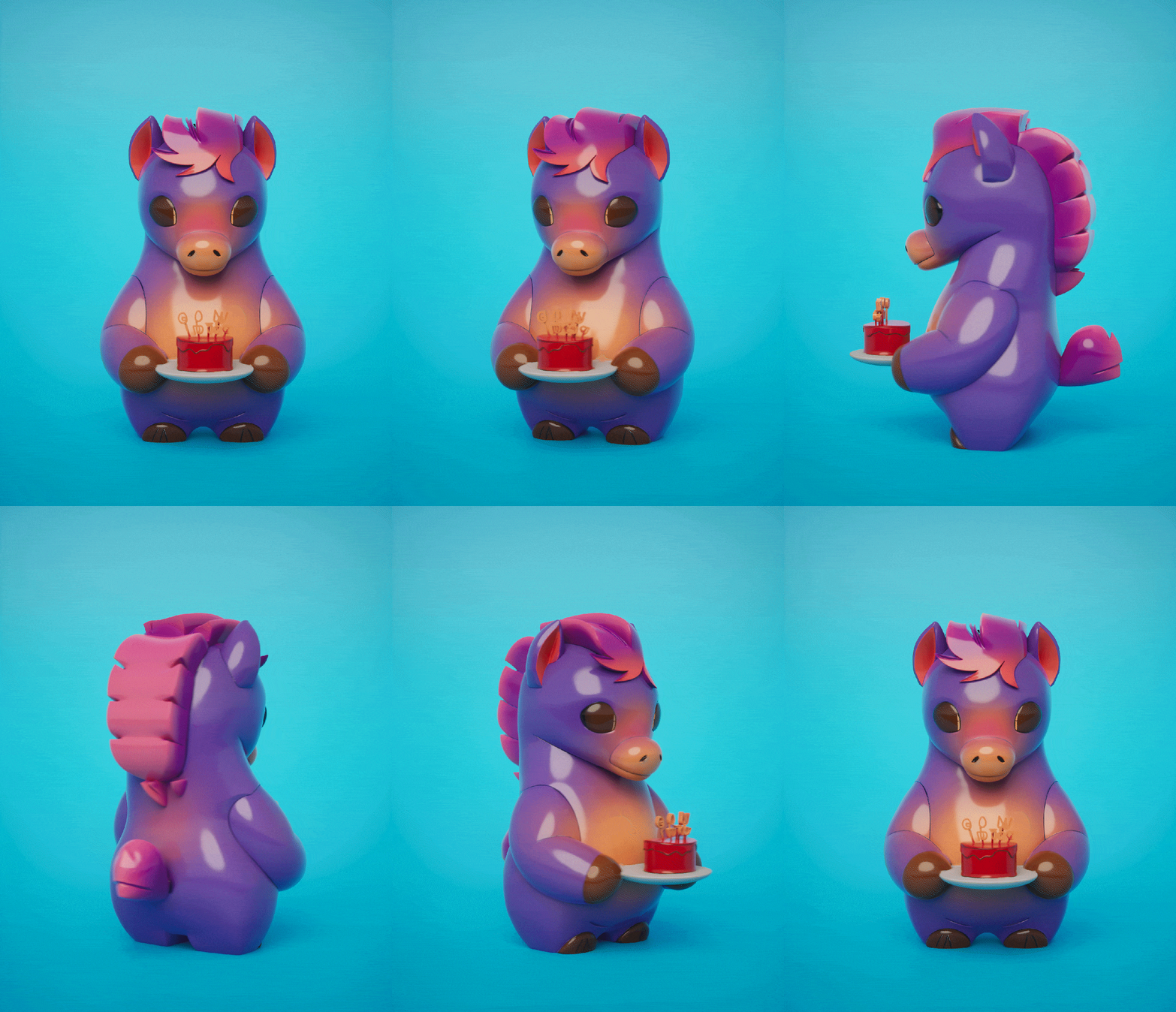
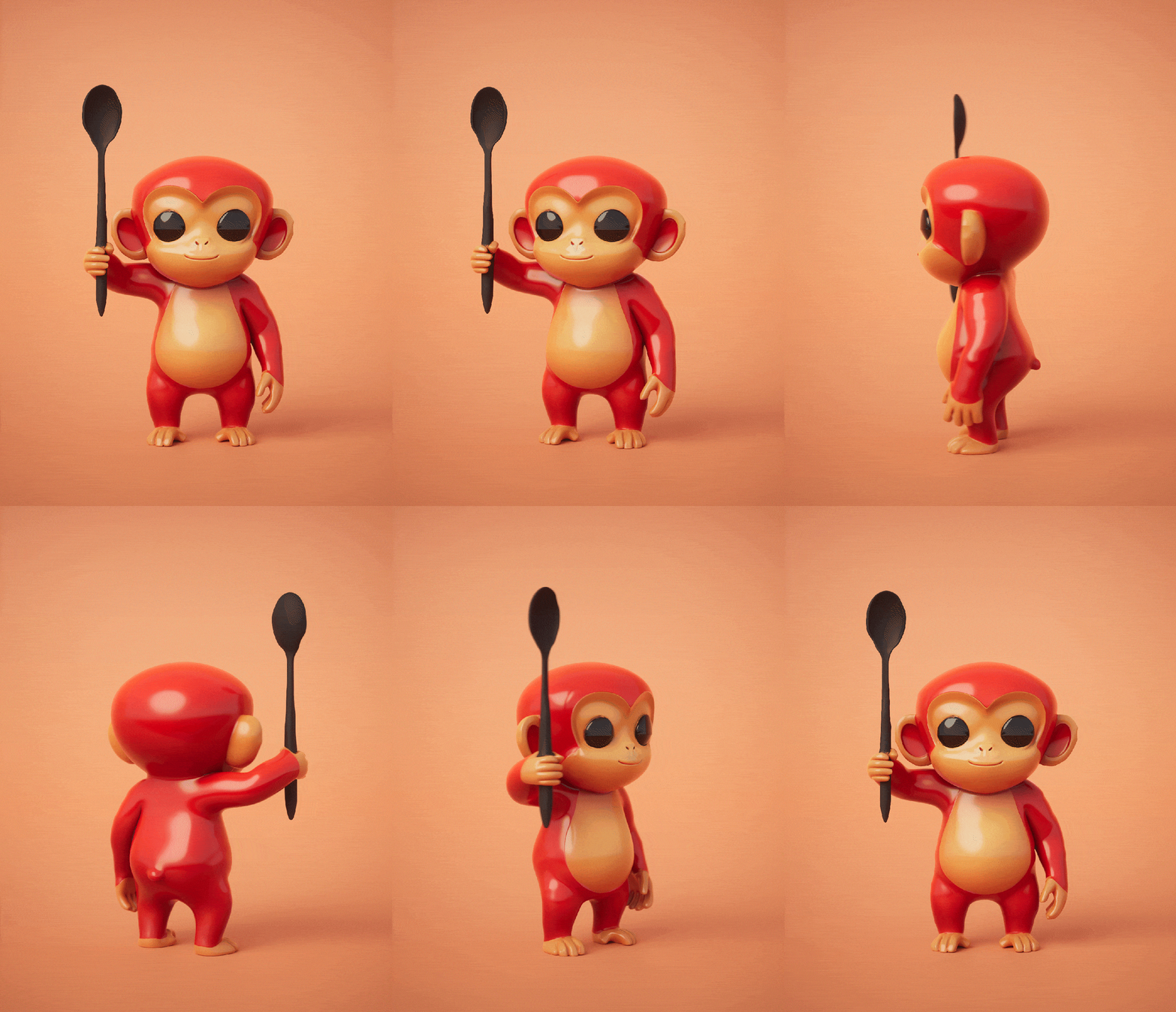
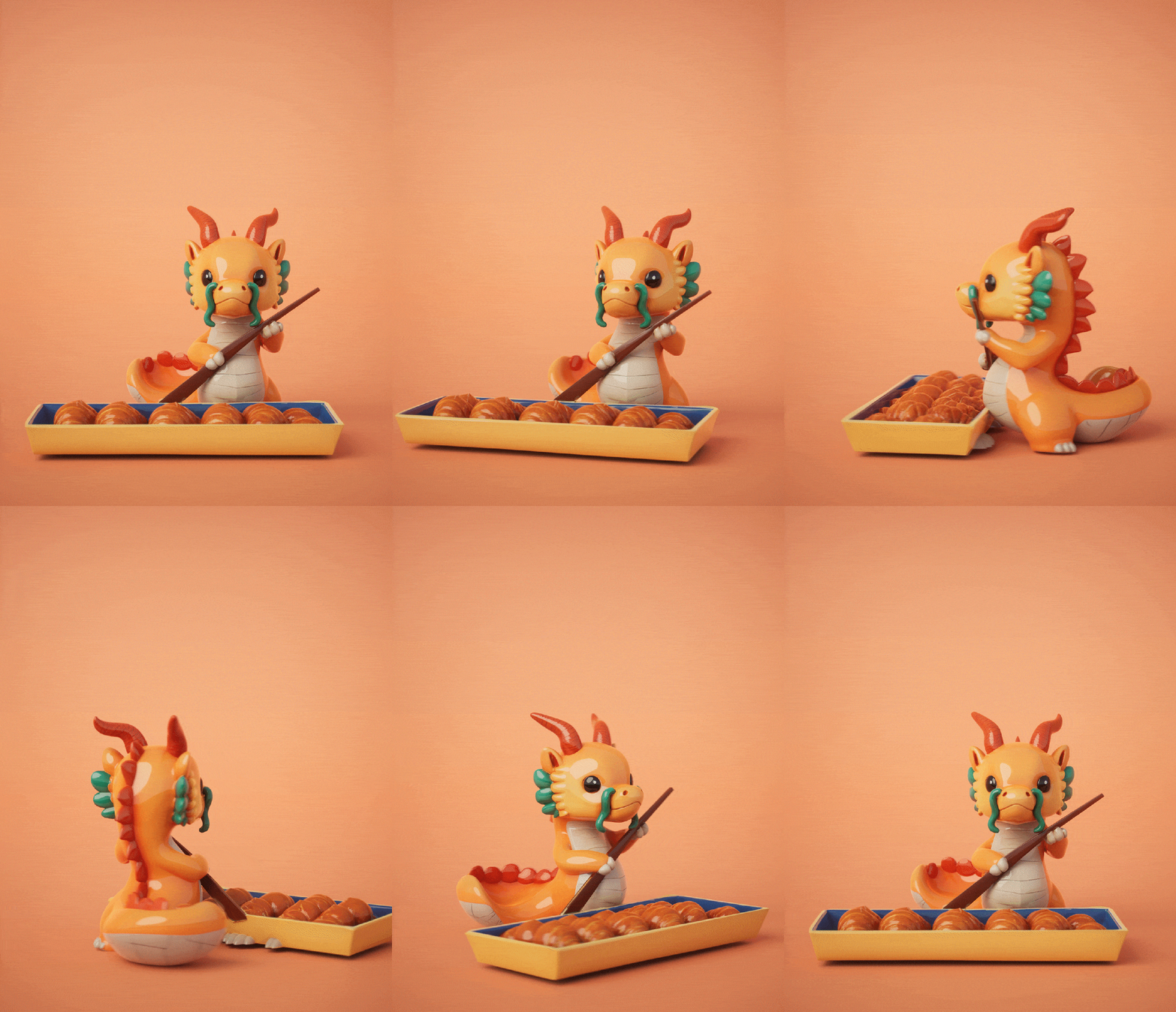
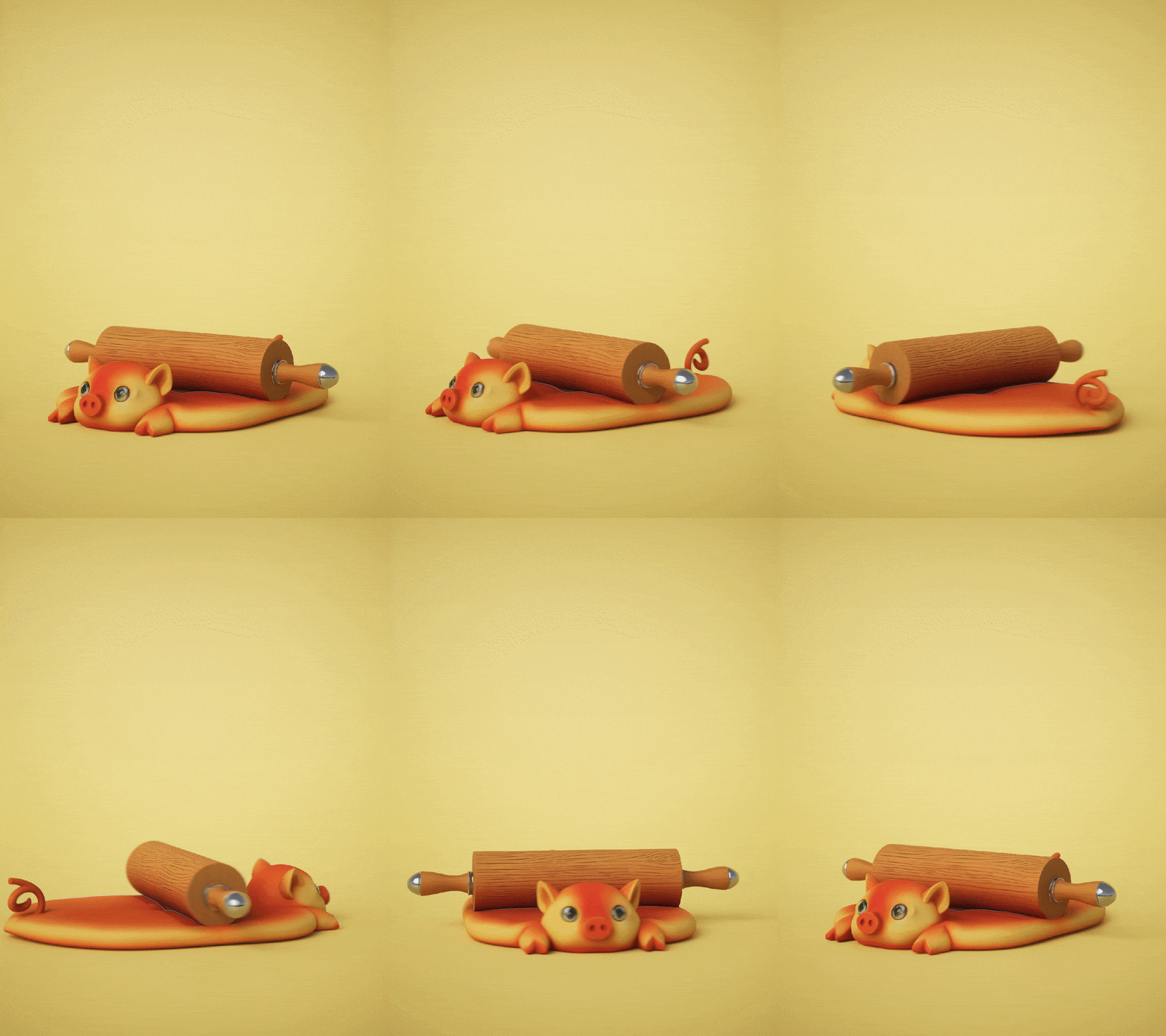
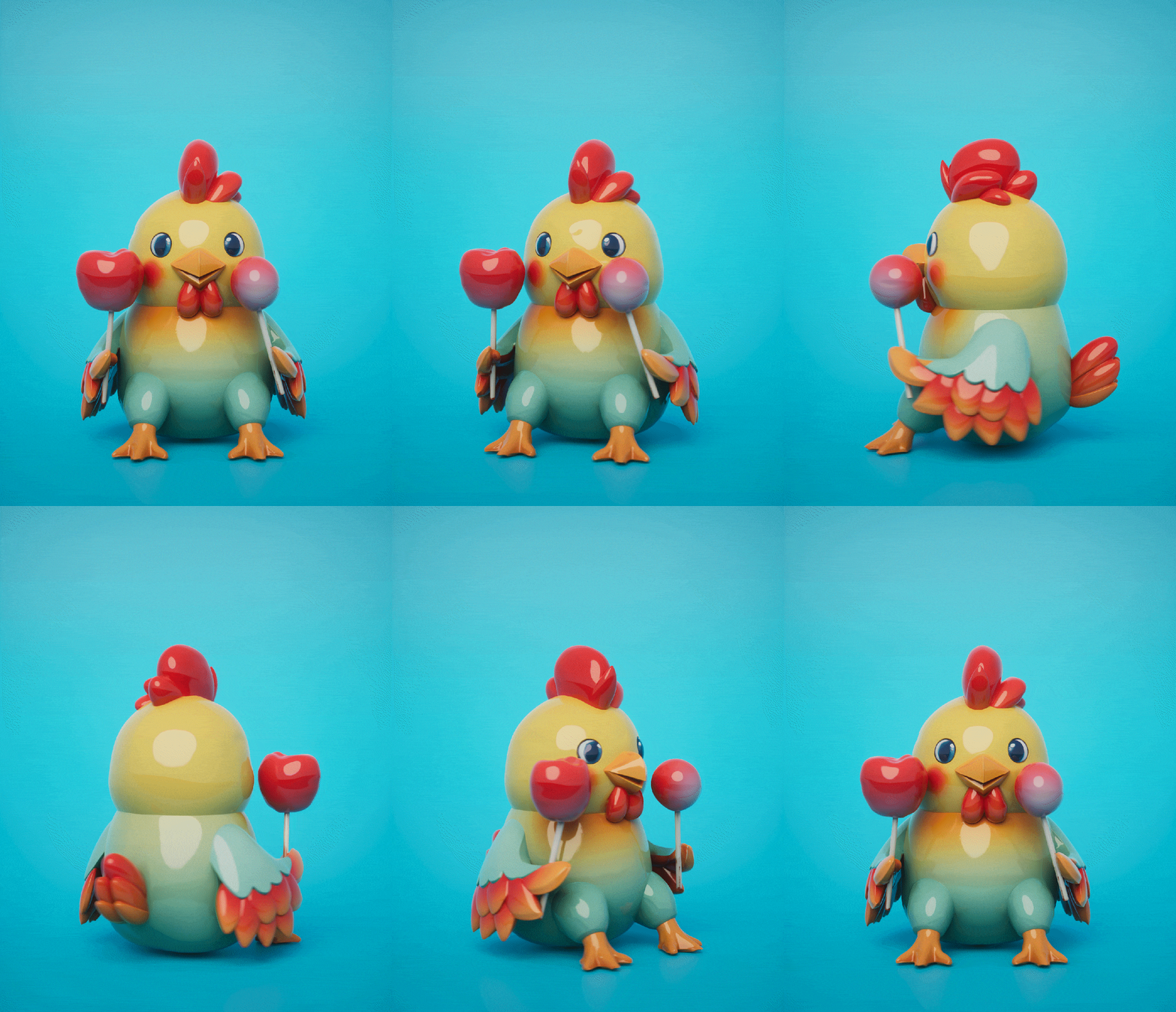
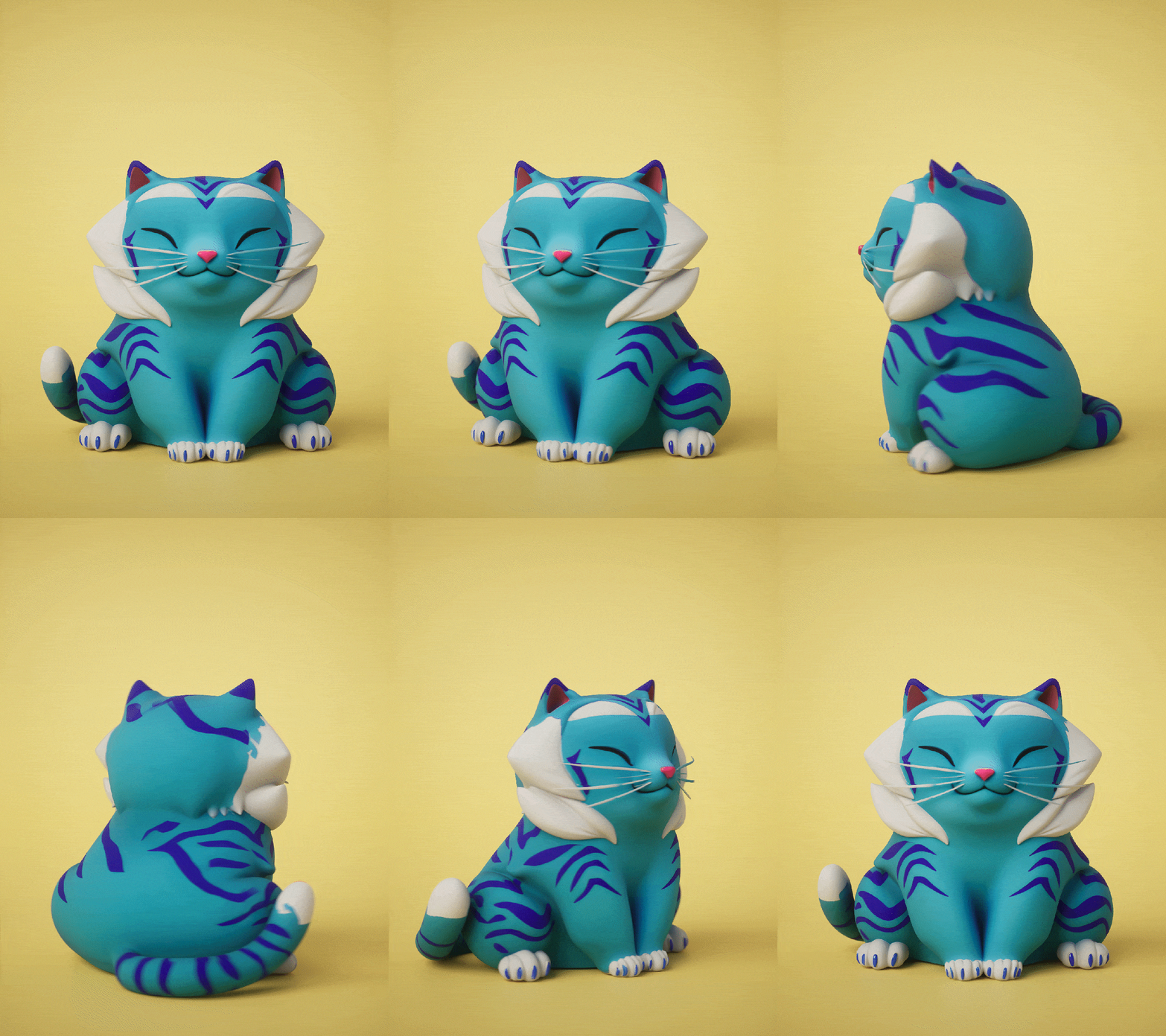
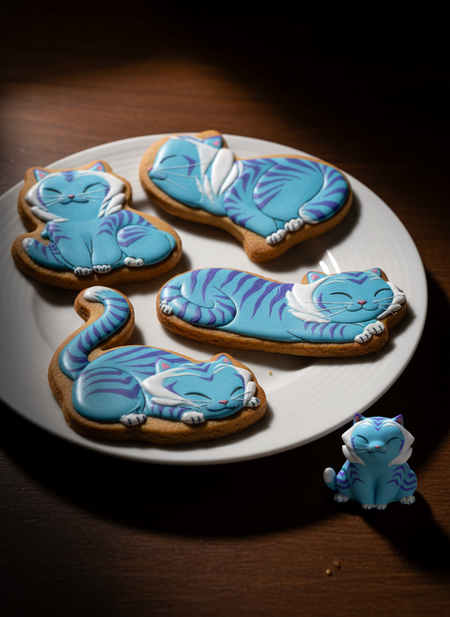
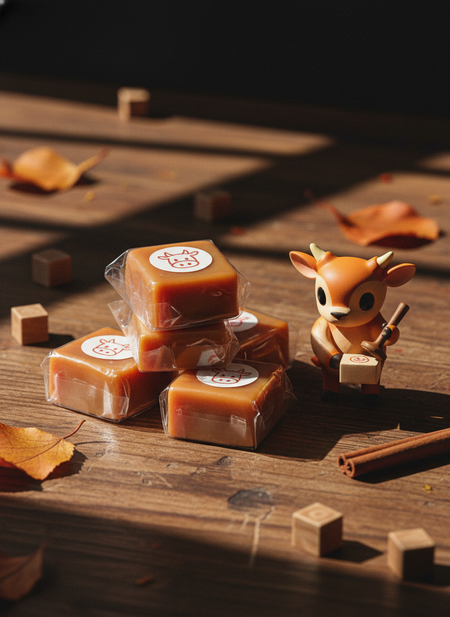
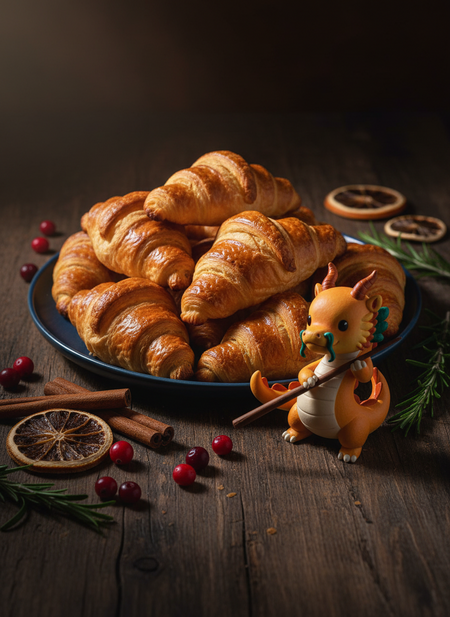
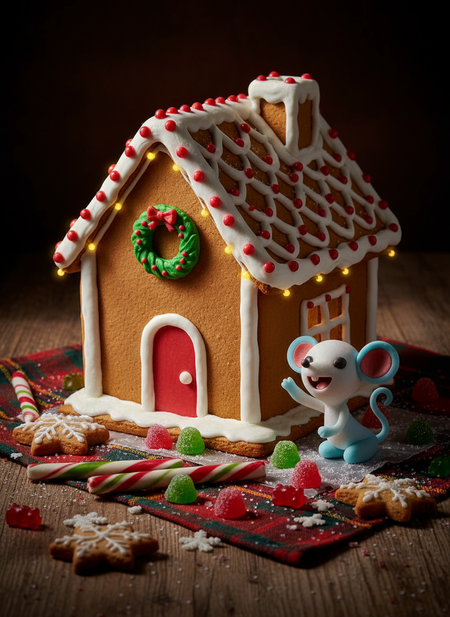
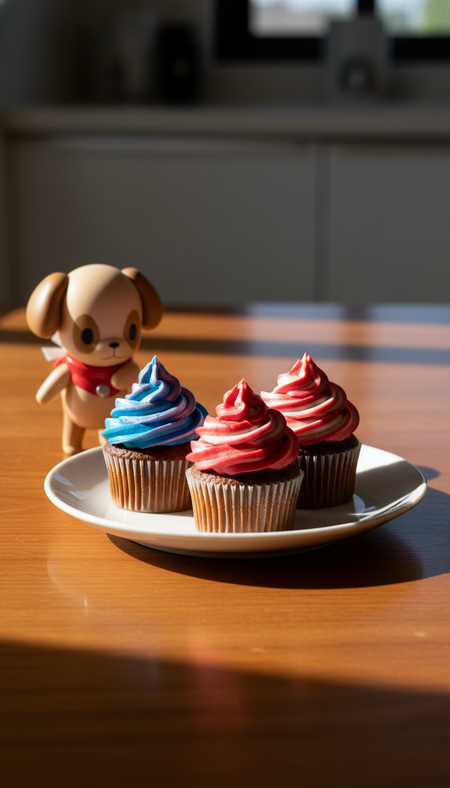
Однажды 12 животных из Восточного Зодиака собрались вместе, чтобы поздравить жеребенка Морина с Новым годом. Для того чтобы порадовать его, они решили приготовить сладости и накрыть на стол.
Original size 1344x768
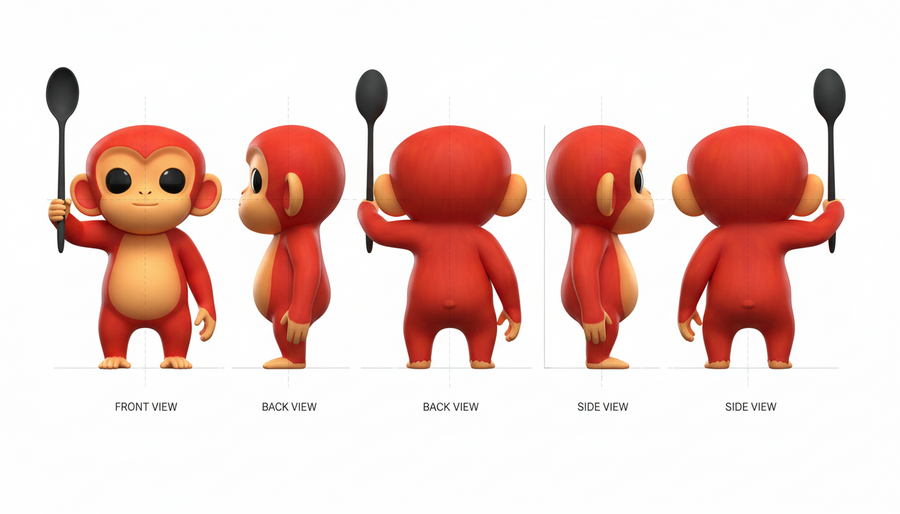
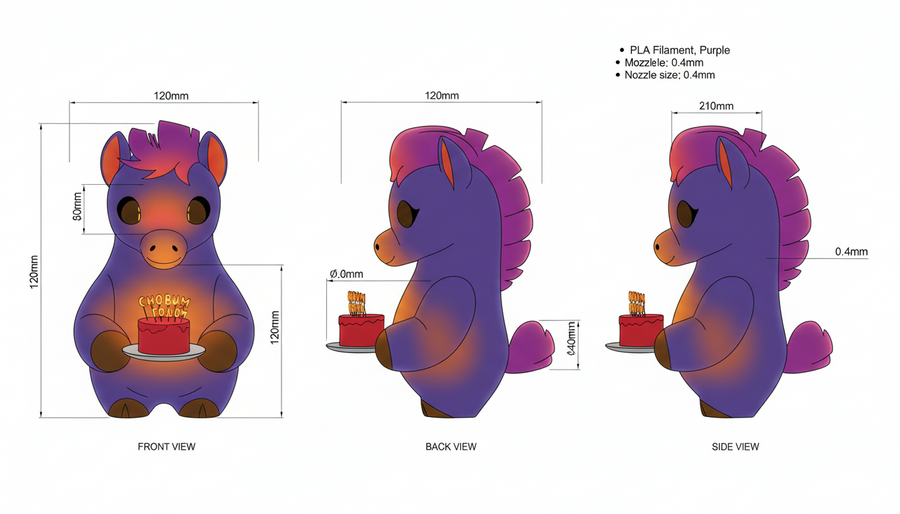
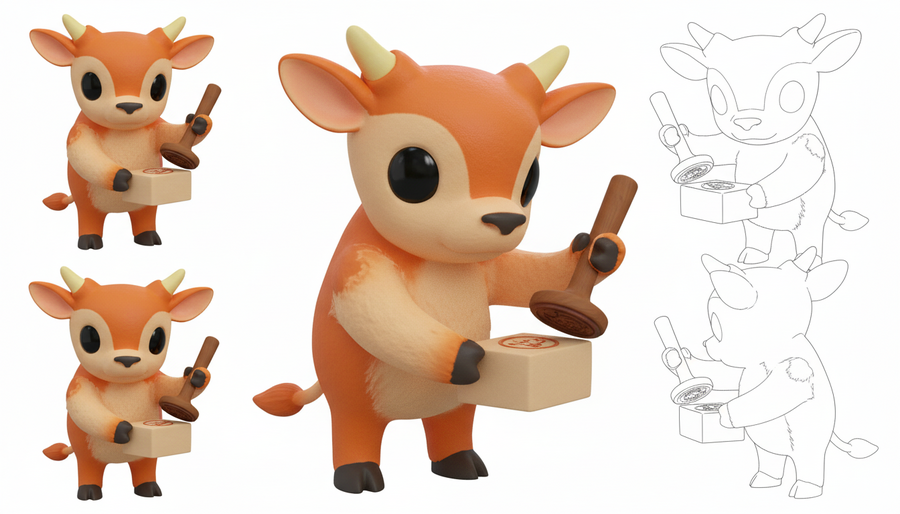
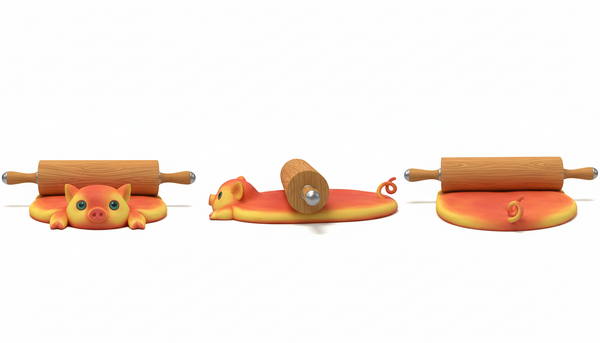
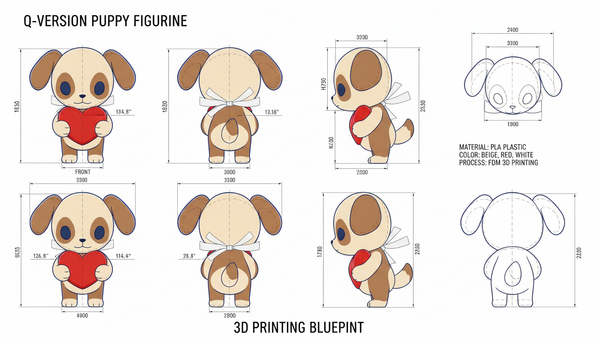
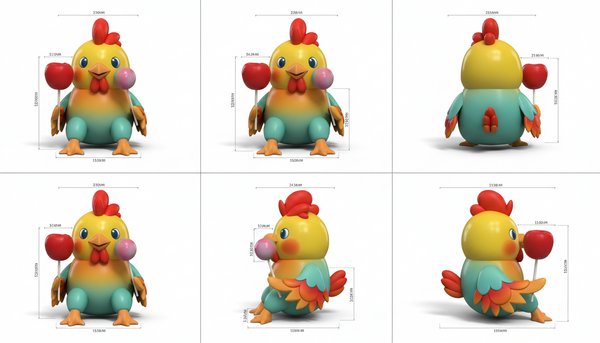
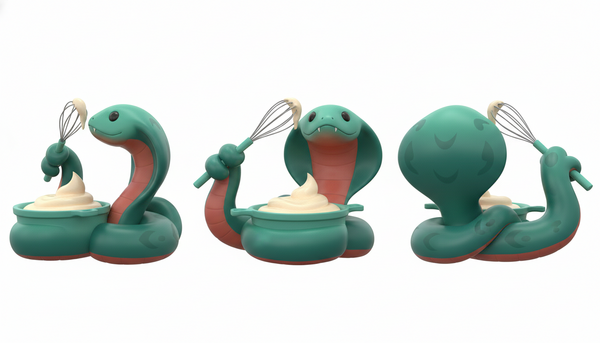
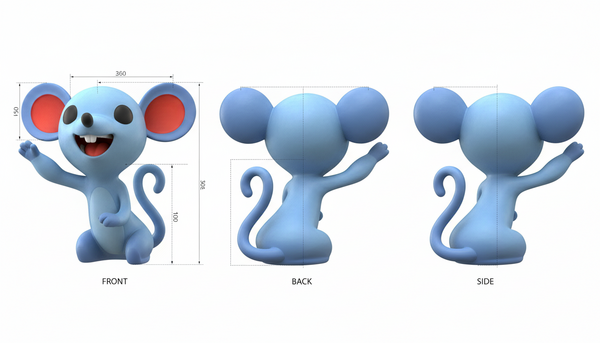
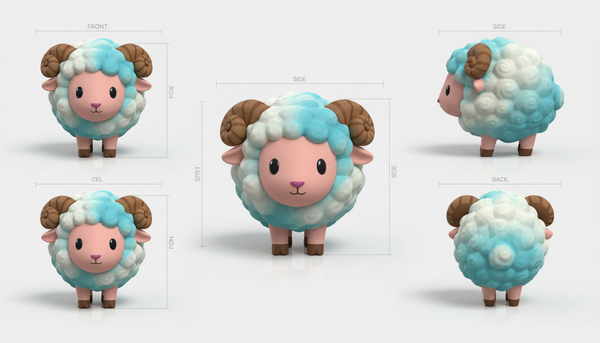
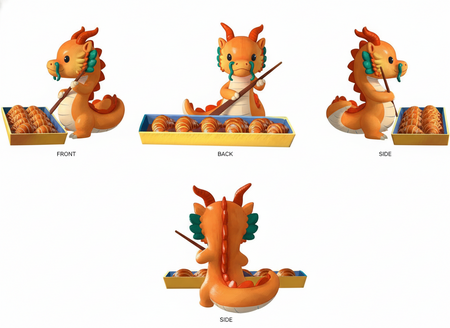
Серия представляет собой набор столовых миниатюр, изображающие животных восточного зодиака с оригинальным дизайном.
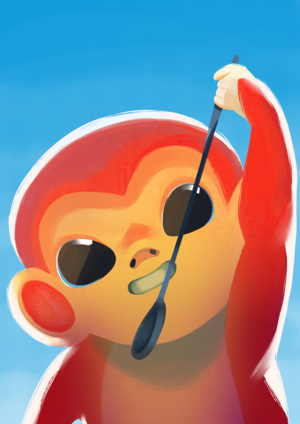
Концепт-арт
Модели были сделаны на основе оригинальных иллюстраций из проекта «Легенда о Восточном Зодиаке».
Гиляна Шарбаева создала серию чайных сервизов с изображением животных Восточного Зодиака. Проект включает в себя столовые миниатюры с оригинальным дизайном, созданные на основе иллюстраций из «Легенды о Восточном Зодиаке».
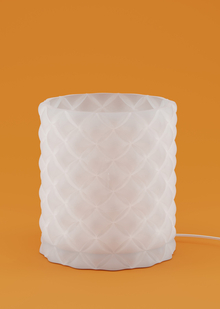
Алиса Гурова создала лампу для бренда 3D-печатных ламп Mana Fabric, объединив традиционное плетение, современные технологии и параметрический дизайн. Проект включает 3D-модель и описание размеров и особенностей изделия, напечатанного без поддержек.
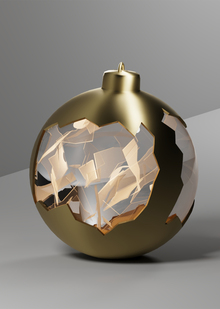
Камилла Нуруллова создала новогоднюю игрушку «Разбитое зеркало», отражающую изменения отношения к Новому году на разных этапах жизни человека. Проект включает в себя концепцию, чертежи, материалы и описание упаковки, выполненные в стиле графита и золота с элементами калейдоскопа.
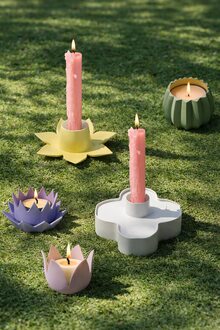
Ольга Черногородова создала коллекцию подставок для свечей в форме цветов, выполненных из матового пластика в спокойных тонах. Проект включает три типа подставок для разных свечей и универсальную модель, предназначенную для модульного интерьера.
We use cookies to improve the operation of the HSE website and to enhance its usability. More detailed information on the use of cookies can be fou...
Show more
Press space bar to start a drag.
When dragging you can use the arrow keys to move the item around and escape to cancel.
Some screen readers may require you to be in focus mode or to use your pass through key
Press space bar to start a drag.
When dragging you can use the arrow keys to move the item around and escape to cancel.
Some screen readers may require you to be in focus mode or to use your pass through key
Press space bar to start a drag.
When dragging you can use the arrow keys to move the item around and escape to cancel.
Some screen readers may require you to be in focus mode or to use your pass through key
Press space bar to start a drag.
When dragging you can use the arrow keys to move the item around and escape to cancel.
Some screen readers may require you to be in focus mode or to use your pass through key
Press space bar to start a drag.
When dragging you can use the arrow keys to move the item around and escape to cancel.
Some screen readers may require you to be in focus mode or to use your pass through key
Press space bar to start a drag.
When dragging you can use the arrow keys to move the item around and escape to cancel.
Some screen readers may require you to be in focus mode or to use your pass through key
Press space bar to start a drag.
When dragging you can use the arrow keys to move the item around and escape to cancel.
Some screen readers may require you to be in focus mode or to use your pass through key
Press space bar to start a drag.
When dragging you can use the arrow keys to move the item around and escape to cancel.
Some screen readers may require you to be in focus mode or to use your pass through key
Press space bar to start a drag.
When dragging you can use the arrow keys to move the item around and escape to cancel.
Some screen readers may require you to be in focus mode or to use your pass through key
Press space bar to start a drag.
When dragging you can use the arrow keys to move the item around and escape to cancel.
Some screen readers may require you to be in focus mode or to use your pass through key
Press space bar to start a drag.
When dragging you can use the arrow keys to move the item around and escape to cancel.
Some screen readers may require you to be in focus mode or to use your pass through key
Press space bar to start a drag.
When dragging you can use the arrow keys to move the item around and escape to cancel.
Some screen readers may require you to be in focus mode or to use your pass through key
Press space bar to start a drag.
When dragging you can use the arrow keys to move the item around and escape to cancel.
Some screen readers may require you to be in focus mode or to use your pass through key
Press space bar to start a drag.
When dragging you can use the arrow keys to move the item around and escape to cancel.
Some screen readers may require you to be in focus mode or to use your pass through key
Press space bar to start a drag.
When dragging you can use the arrow keys to move the item around and escape to cancel.
Some screen readers may require you to be in focus mode or to use your pass through key
Press space bar to start a drag.
When dragging you can use the arrow keys to move the item around and escape to cancel.
Some screen readers may require you to be in focus mode or to use your pass through key
Press space bar to start a drag.
When dragging you can use the arrow keys to move the item around and escape to cancel.
Some screen readers may require you to be in focus mode or to use your pass through key
Press space bar to start a drag.
When dragging you can use the arrow keys to move the item around and escape to cancel.
Some screen readers may require you to be in focus mode or to use your pass through key
Press space bar to start a drag.
When dragging you can use the arrow keys to move the item around and escape to cancel.
Some screen readers may require you to be in focus mode or to use your pass through key
Press space bar to start a drag.
When dragging you can use the arrow keys to move the item around and escape to cancel.
Some screen readers may require you to be in focus mode or to use your pass through key